Capcom's quirky dinosaur-fighting hero shooter is shutting down in 2027
 Trump admin didn't investigate Jensen Huang before pushing Nvidia to bring him back: 'What does that mean, had Huang been investigated? For what?'
 GTA 6 vault: How to open them during big bank jobs
 Deceased BBC football commentator resurrected with AI for EA Sports FC: The family says it's a 'touching tribute' but some fans call it 'gross' and 'bleak'
 State AGs are trying to stop Character.AI from auctioning off users' chat histories
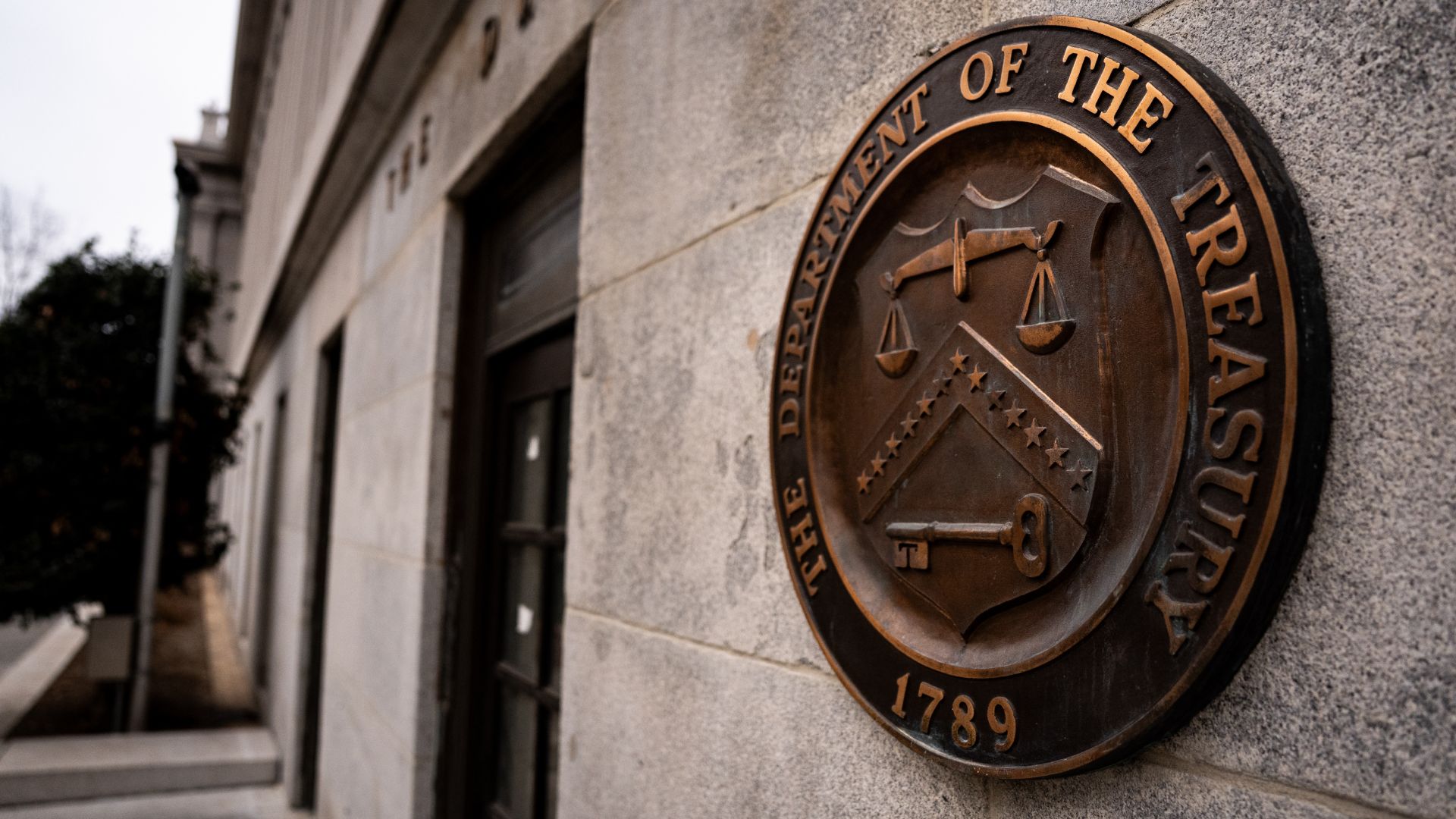 As the US Treasury suffers a cybersecurity breach, its chief tech guy is vibecoding a Civilization clone
 AI kills another coding competition: 'I was not at all interested in giving awards to the output of large language models'
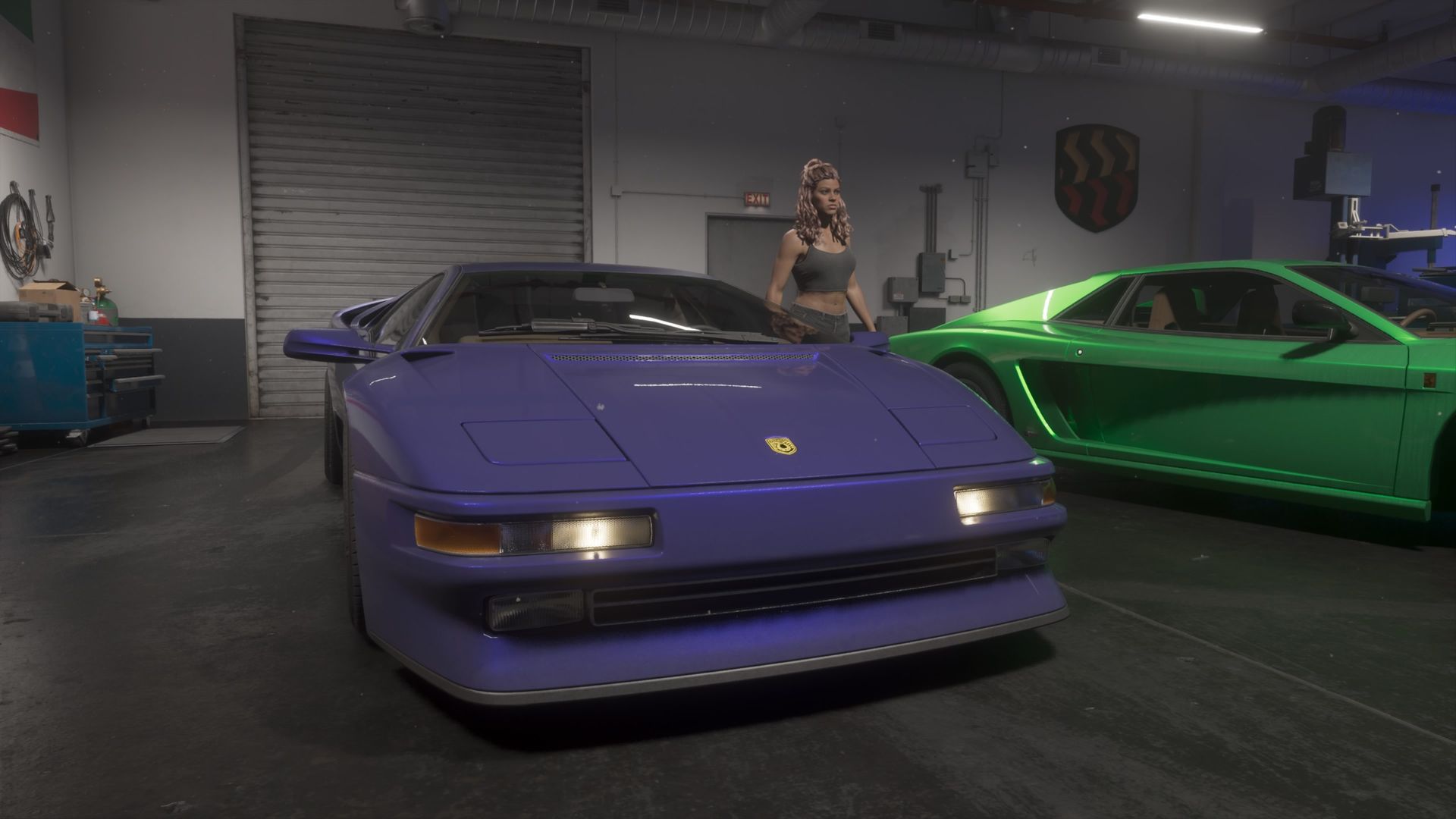 How to steal the Pegassi Infernus in GTA 6
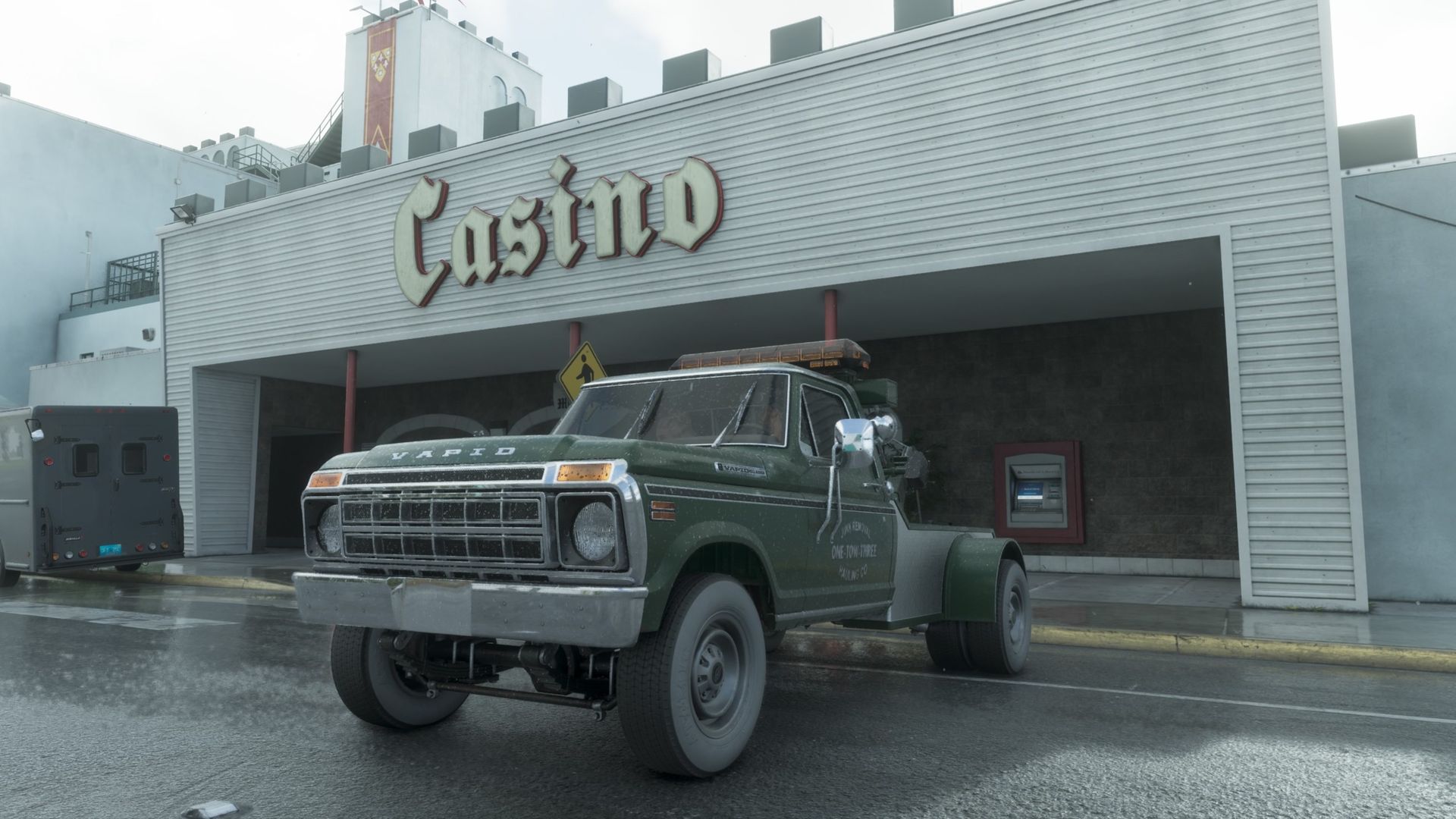 How to steal an ATM and get a winched vehicle in GTA 6
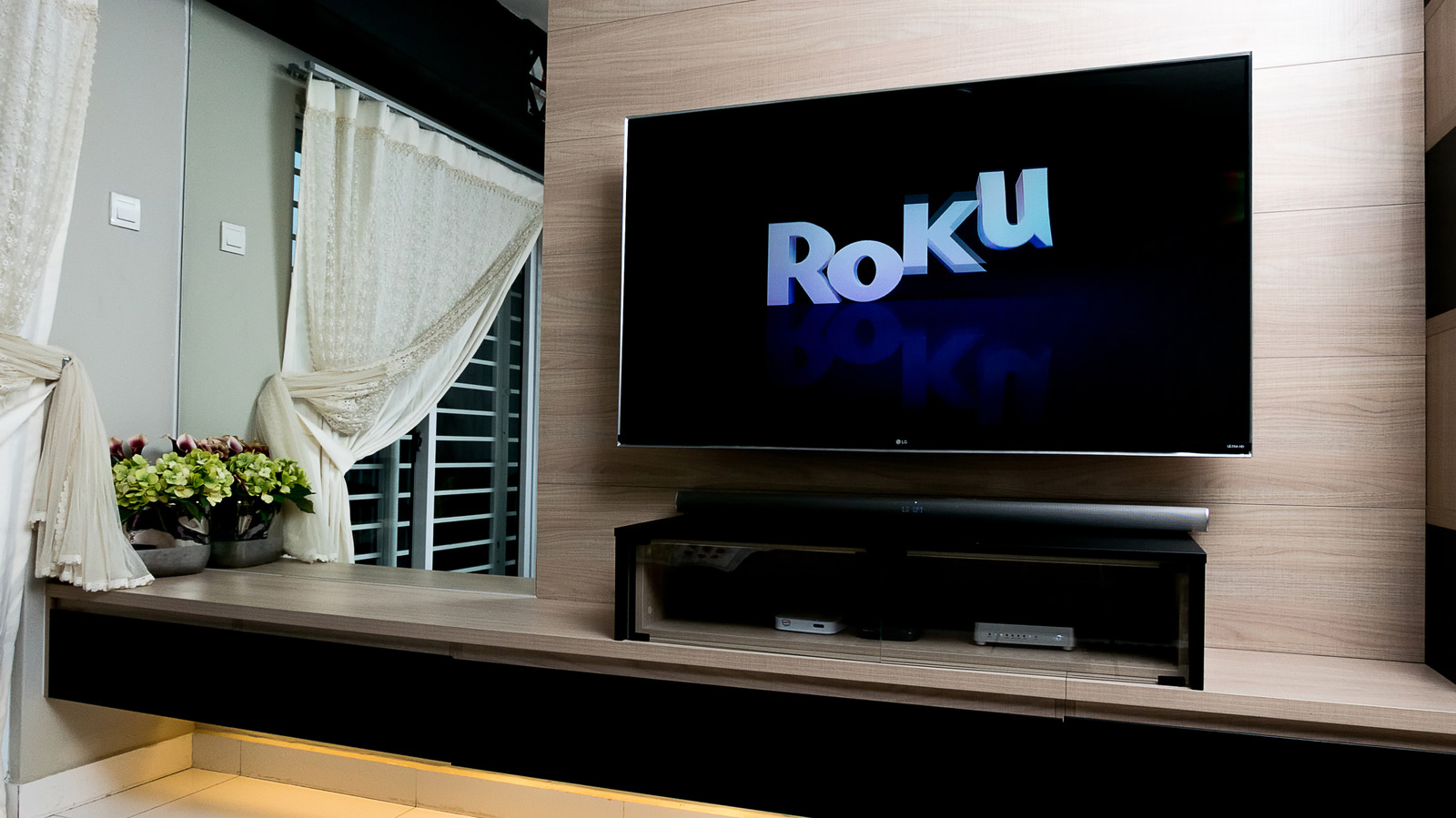
There are a lot of ways to change the overall look and display of your Roku TV, but most of that discourse seems centered around colors and contrast. Those things are important, but if you really want to achieve a "movie look," then you'll want to change the refresh rate.
In your Roku TV, to match this unique look, you'll need to first go to the main menu. From here, select Settings, and then go into System. In this menu, you'll find something called Advanced System Settings, which will allow you to access Advanced Display Settings. You want to turn Auto-adjust display refresh rate on.
It's a one-click and done solution, as it will self-adjust itself to match the native refresh rate of any movie or TV show you put on. Because films have a native refresh rate of 24fps, your TV will now run them as such. The same goes for TV shows, which may be filmed at 30 or 60fps. It's a tiny adjustment, but it's one that will make your viewing experience even better.