
 New York state bans AI chatbot toys for kids
 We reviewed these 10 gadgets, and they're now on sale for Black Friday
 GTA 6 has weird purple streetlights because actual Florida screwed up its streetlights
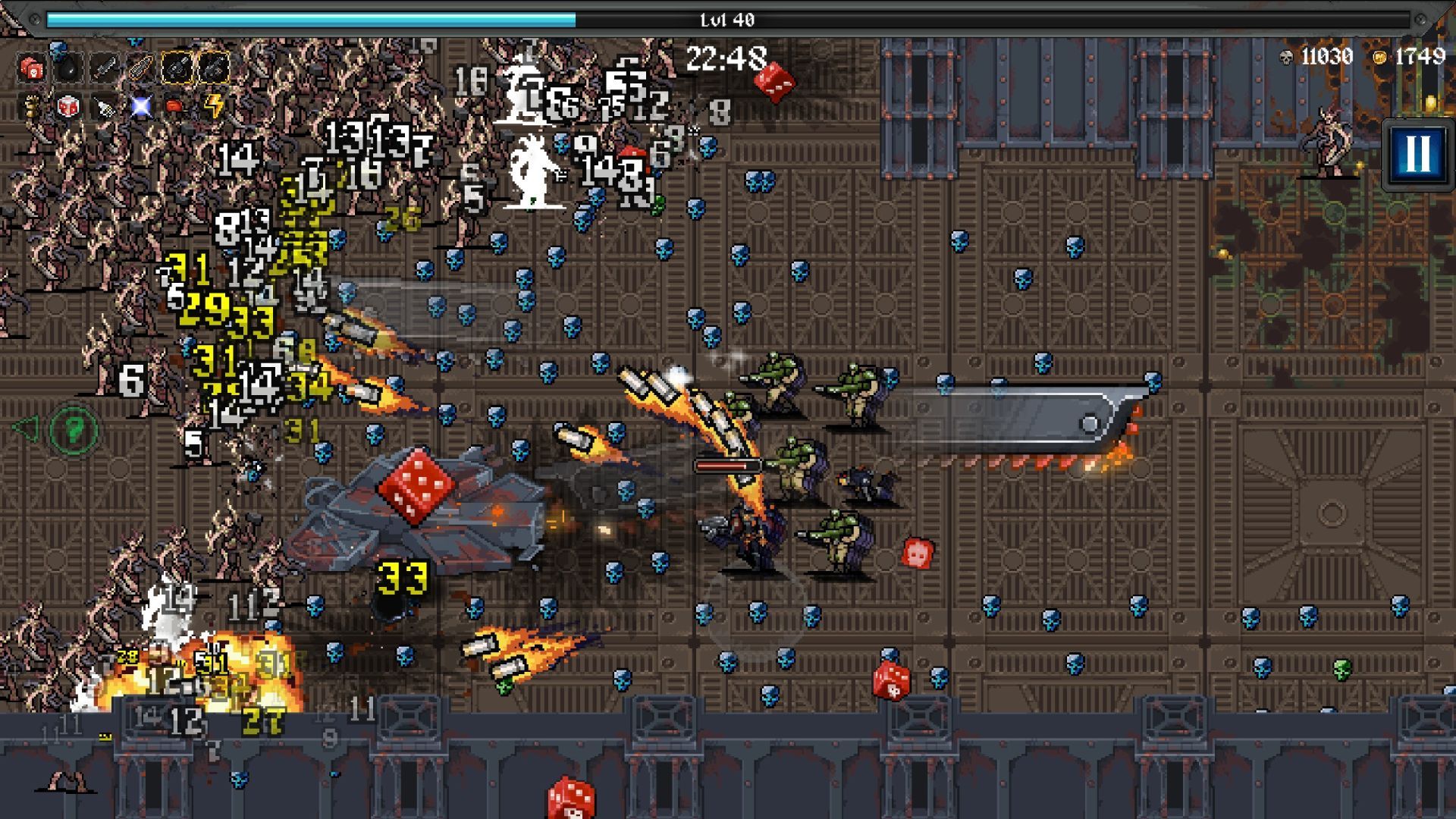 Warhammer Survivors update buffs XP and weapons, nerfs those damn Beasts of Nurgle
 Can you play GTA 6 from an external hard drive on PS5 or Xbox Series X/S?
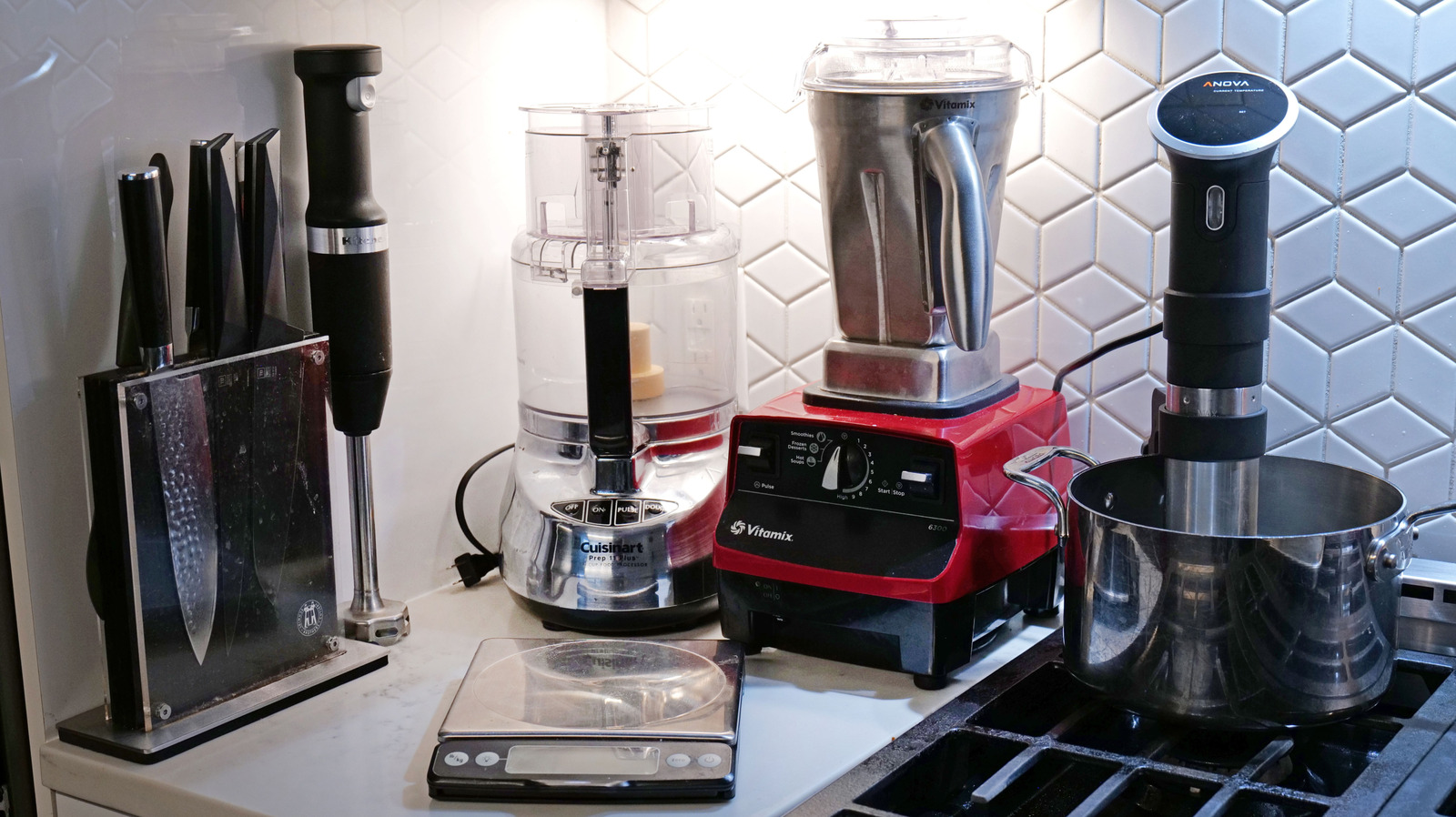 7 gadgets that'll instantly upgrade your Thanksgiving feast
 Capcom's quirky dinosaur-fighting hero shooter is shutting down in 2027
 Trump admin didn't investigate Jensen Huang before pushing Nvidia to bring him back: 'What does that mean, had Huang been investigated? For what?'
 GTA 6 vault: How to open them during big bank jobs
More experienced Windows users might wonder why they'd use the Reliability Monitor over the Event Viewer. For experienced PC users who want an exhaustive breakdown of each event log, the Event Viewer is unmatched. It offers significantly more information on each system event and has multiple ways to filter information to help pinpoint what's wrong.
Where Reliability Monitor shines is its simplicity. It gives a clean UI to see which events caused an issue, when they occurred and a rough outline of what happened. Event Viewer can help if you need details on the exact application or your PC's state during failure, yet that information is often overkill for the average Windows user. If you need more information on the issue, then we'd suggest swapping to Event Viewer to get a better idea of what's happening. For sudden performance or stability issues, it's much more convenient to use Reliability Monitor first.
