 7 gadgets that'll instantly upgrade your Thanksgiving feast
 Capcom's quirky dinosaur-fighting hero shooter is shutting down in 2027
 Trump admin didn't investigate Jensen Huang before pushing Nvidia to bring him back: 'What does that mean, had Huang been investigated? For what?'
 GTA 6 vault: How to open them during big bank jobs
 Deceased BBC football commentator resurrected with AI for EA Sports FC: The family says it's a 'touching tribute' but some fans call it 'gross' and 'bleak'
 State AGs are trying to stop Character.AI from auctioning off users' chat histories
 As the US Treasury suffers a cybersecurity breach, its chief tech guy is vibecoding a Civilization clone
 AI kills another coding competition: 'I was not at all interested in giving awards to the output of large language models'
 How to steal the Pegassi Infernus in GTA 6
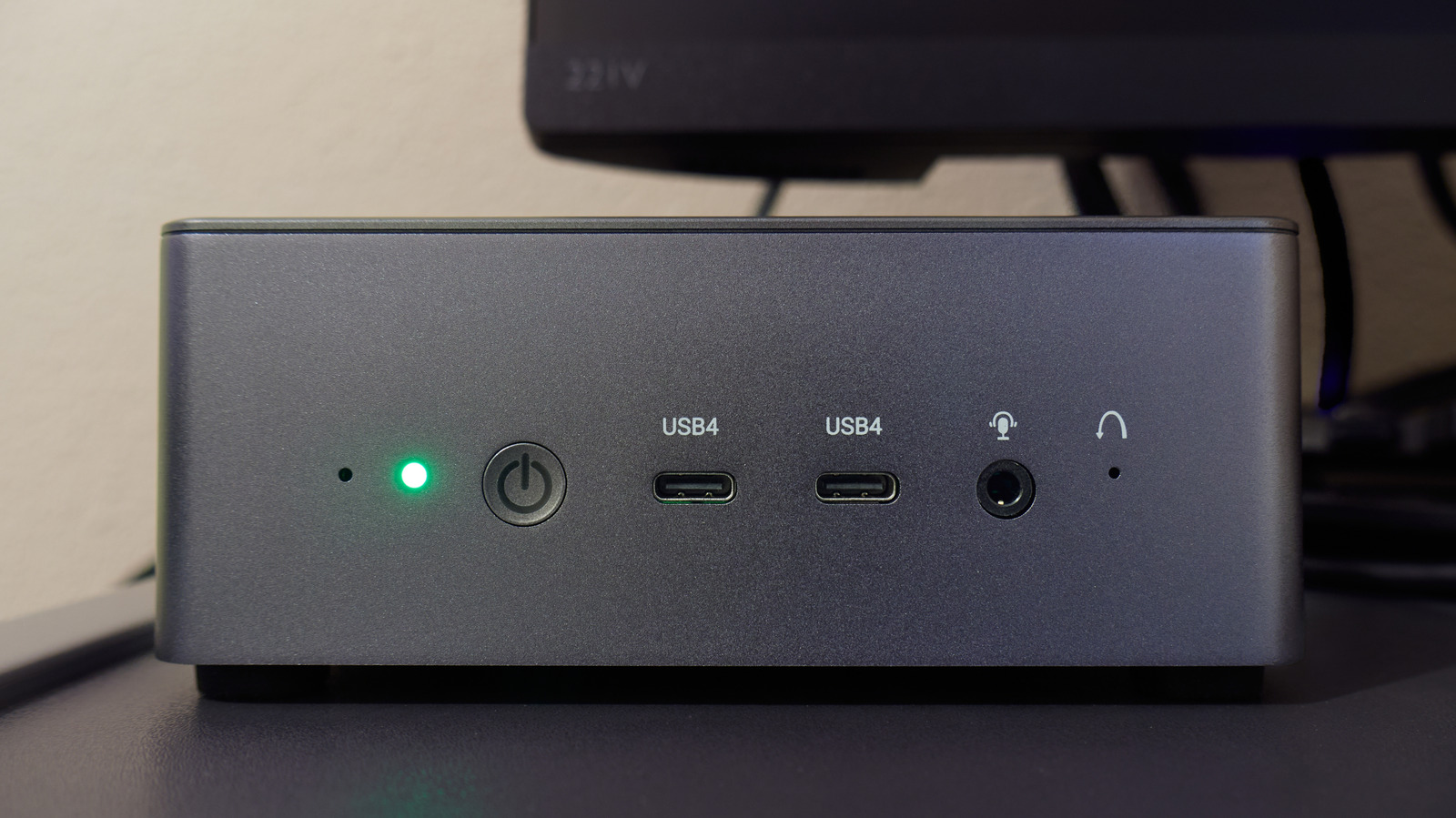
With AI coding assistants so popular right now, your aging mini PC could have another role to play. Although powerful hardware can make a massive difference when running AI models, you can still experiment on some older but capable hardware.
One easy way to get started is Ollama. You can download smaller language models and run them directly on your computer, letting you ask questions, summarize text, or even play around with a chatbot without sending every prompt to the web. After installing it, you can use local models without shelling out a single cent. Obviously, you can't expect an old processor with limited RAM to perform as well as a modern AI workstation.
Anthropic's coding assistant, Claude Code, can analyze project files, modify code, and run commands, with cloud-based models handling the heavy lifting of AI processing. It comes with Claude Pro, priced at $20 per month in the US (billed monthly), or you can pay for it separately based on API usage.
Claude Code can also connect to locally hosted models via Ollama, though running a good coding model on older hardware is a different story. According to Ollama, Meta's Llama 3.2 1B model is a 1.3 GB download.