
 GTA 6 vault: How to open them during big bank jobs
 Deceased BBC football commentator resurrected with AI for EA Sports FC: The family says it's a 'touching tribute' but some fans call it 'gross' and 'bleak'
 State AGs are trying to stop Character.AI from auctioning off users' chat histories
 As the US Treasury suffers a cybersecurity breach, its chief tech guy is vibecoding a Civilization clone
 AI kills another coding competition: 'I was not at all interested in giving awards to the output of large language models'
 How to steal the Pegassi Infernus in GTA 6
 How to steal an ATM and get a winched vehicle in GTA 6
 Even Max Verstappen has succumbed to GTA 6 fever, squeezing in 40 hours around his Las Vegas Grand Prix win
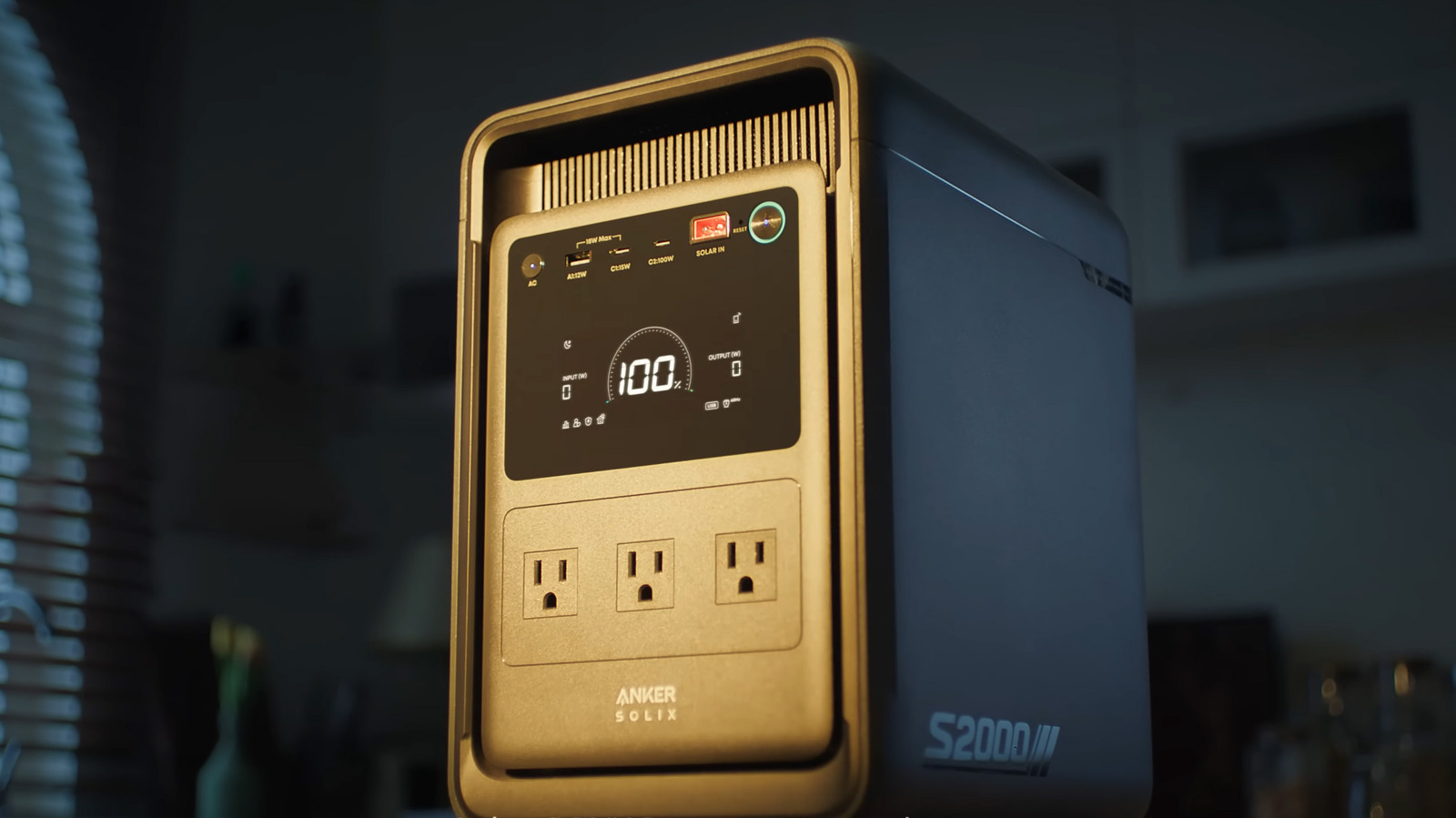 Five solar generators going for deep discounts on Black Friday
One simpler possibility is that you need to update your hardware drivers. This is dead simple on macOS, since Apple typically bundles these in with the latest OS updates. Just head to Apple menu > System Settings > General > Software Update to check. In Windows 11, swing by Settings > Windows Update to install anything there.
In some cases, though, Windows users may need to return to the right-click Properties menu for a drive in Device Manager. Once you're there, click on the Driver tab, then try updating or uninstalling. If you uninstall without selecting the driver deletion option, restarting your PC should automatically reinstall the correct software, which might repair it.
If you've gotten this far without luck, there may not be much you can do other than cross your fingers that a reboot will solve things or seek out third-party help, such as the drive manufacturer or a repair shop. You might need a recovery firm's help if valuable data is trapped. You can also try your Mac or PC's general OS recovery tools, but these are unlikely to fix anything we haven't already suggested.