 New York state bans AI chatbot toys for kids
 We reviewed these 10 gadgets, and they're now on sale for Black Friday
 GTA 6 has weird purple streetlights because actual Florida screwed up its streetlights
 Warhammer Survivors update buffs XP and weapons, nerfs those damn Beasts of Nurgle
 Can you play GTA 6 from an external hard drive on PS5 or Xbox Series X/S?
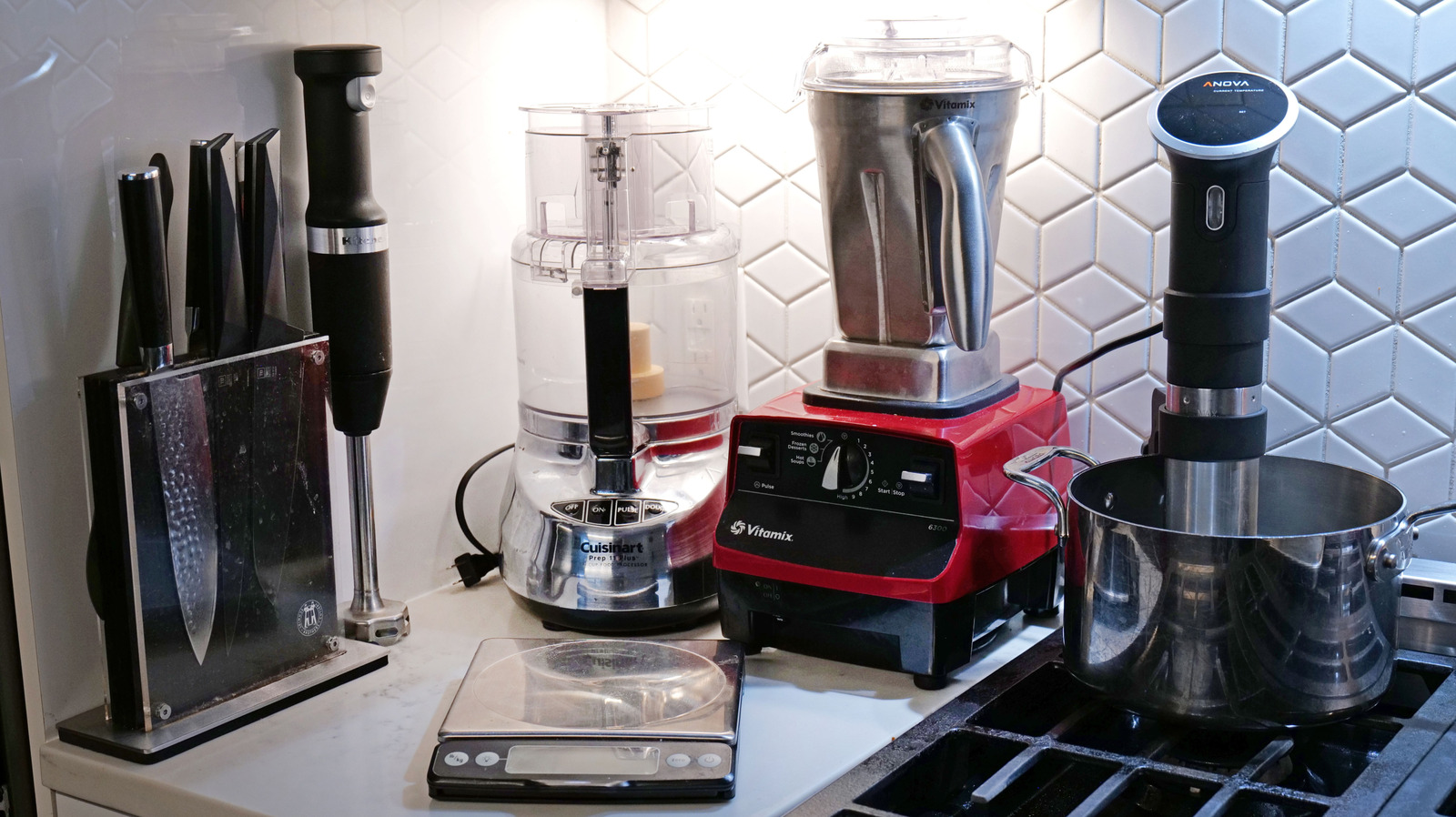 7 gadgets that'll instantly upgrade your Thanksgiving feast
 Capcom's quirky dinosaur-fighting hero shooter is shutting down in 2027
 Trump admin didn't investigate Jensen Huang before pushing Nvidia to bring him back: 'What does that mean, had Huang been investigated? For what?'
 GTA 6 vault: How to open them during big bank jobs
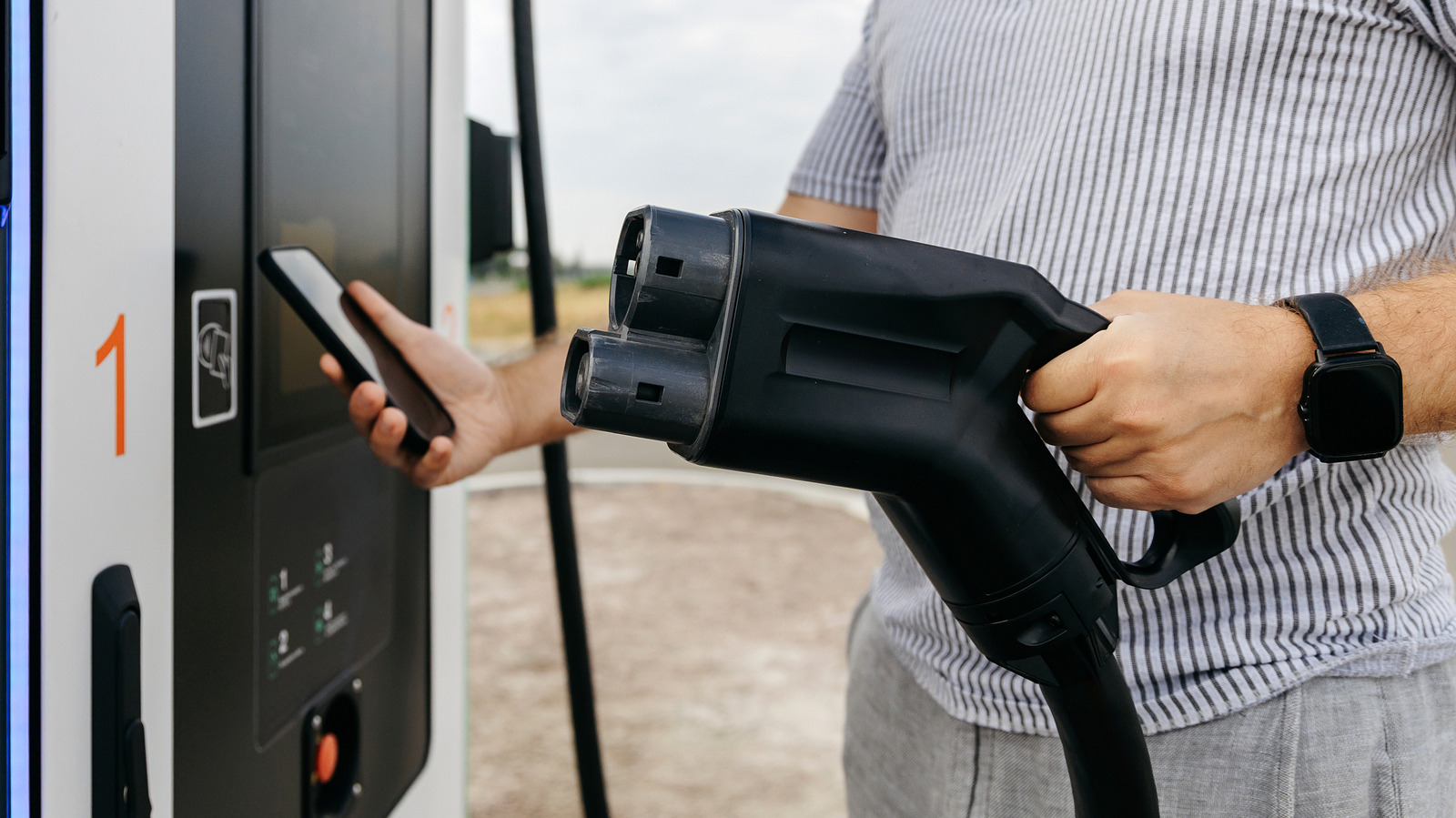
It's easier to use Google Maps or Apple Maps for EV routing, but there are other options. For instance, the A Better Routeplanner app (or ABRP for short) supports EV-specific trip planning. You can add your car model and a destination, and it'll generate routes with charging stops on the way. You can use it on your dashboard through CarPlay or Android Auto if you've got an ABRP Premium subscription.
ABRP does support live battery information in some cars if you're running Android Auto, but you'll need to give it the Car information permission in the app's settings. There's no equivalent option for CarPlay users, though.
You don't necessarily need EV routing to find compatible chargers. With your car profile set up, search Google Maps for charging stations and select Your plugs as the EV plug filter. You'll need to judge whether you can reach each stop on your current charge.
Until EV charging stops are as ubiquitous as gas stations, you'll need to think a little more about where you can charge on long trips. Just make sure you leave plenty of charge between stops so you're not left running low with no chargers nearby.