 We reviewed these 10 gadgets, and they're now on sale for Black Friday
 GTA 6 has weird purple streetlights because actual Florida screwed up its streetlights
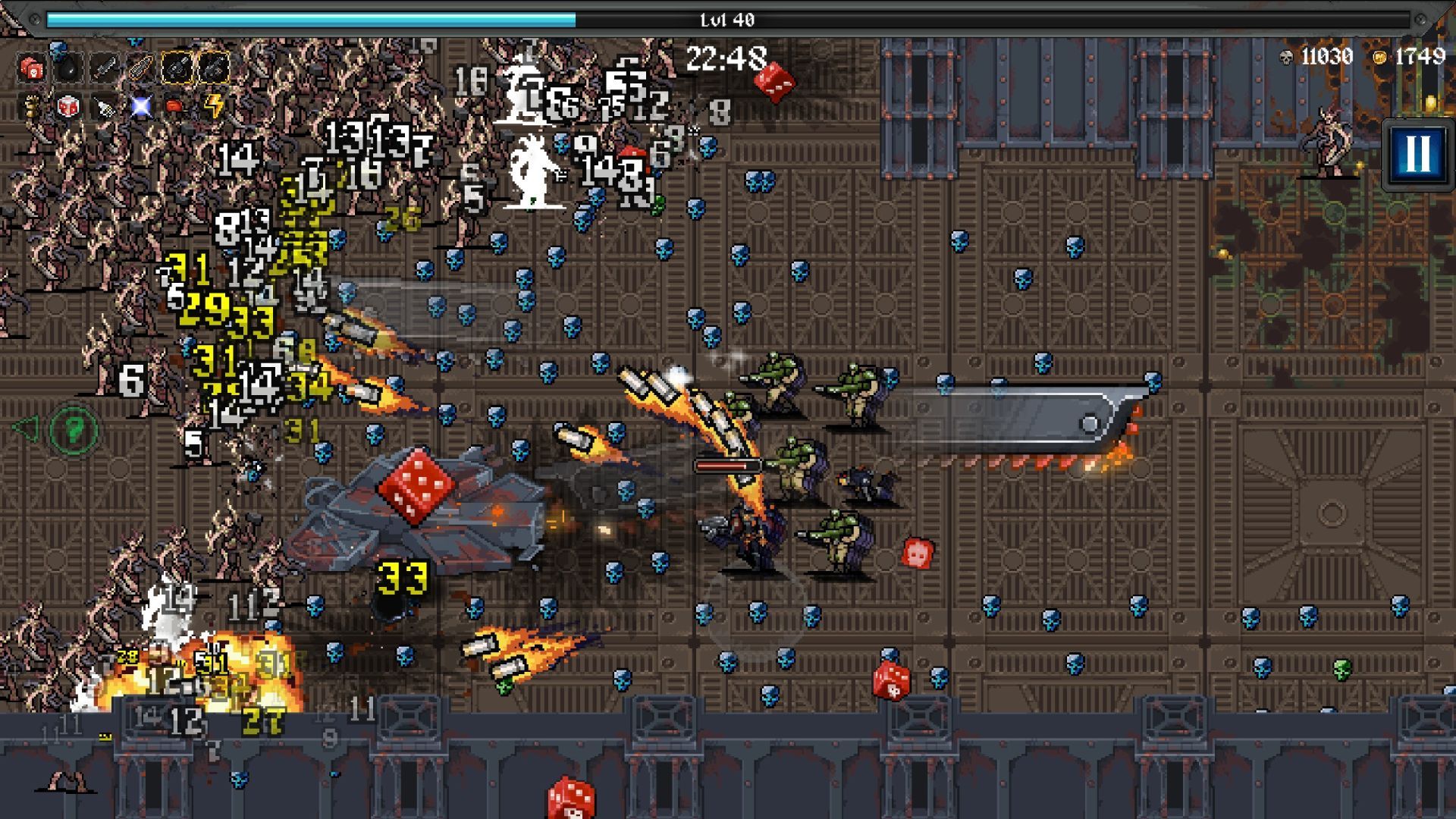 Warhammer Survivors update buffs XP and weapons, nerfs those damn Beasts of Nurgle
 Can you play GTA 6 from an external hard drive on PS5 or Xbox Series X/S?
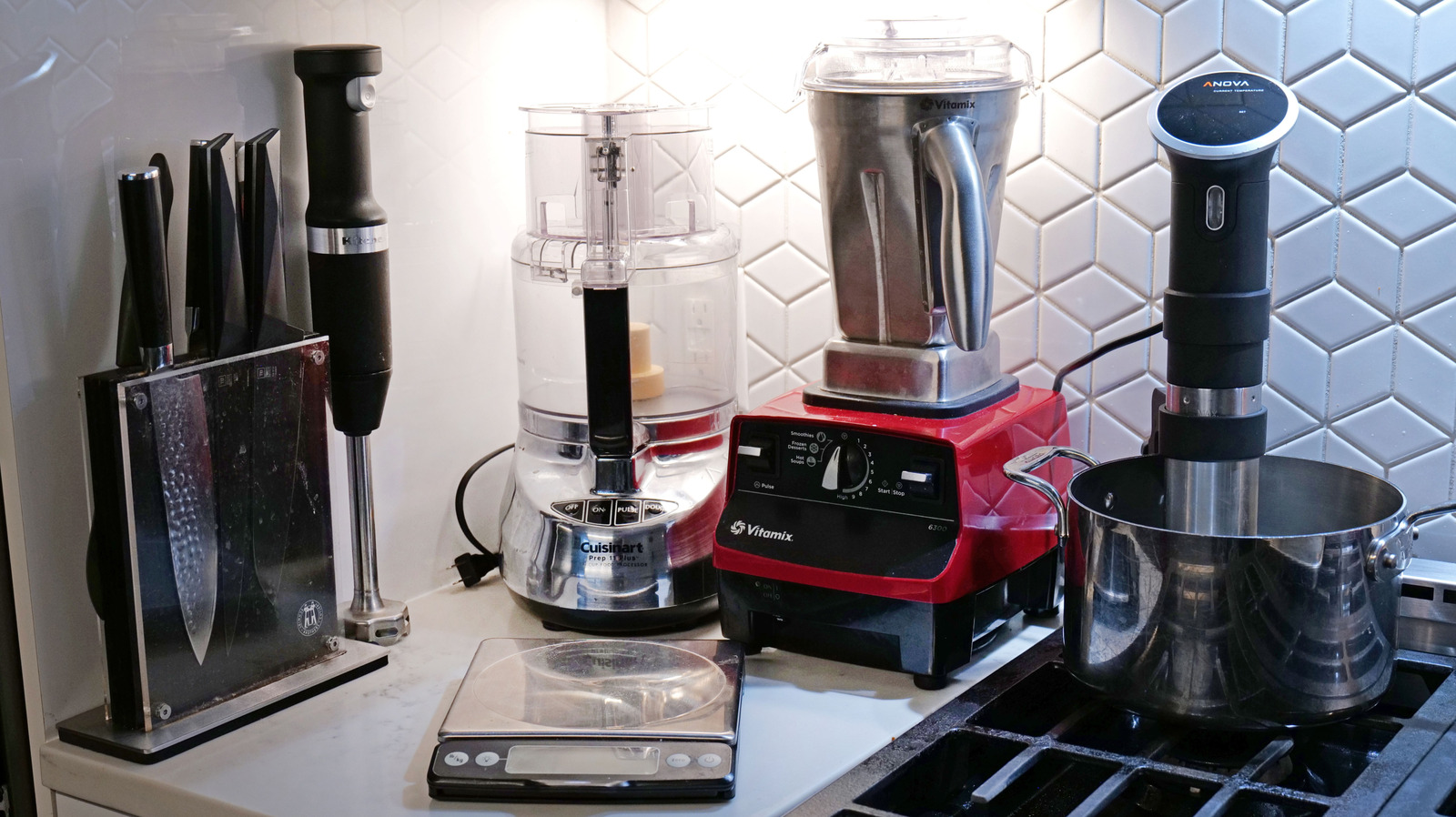 7 gadgets that'll instantly upgrade your Thanksgiving feast
 Capcom's quirky dinosaur-fighting hero shooter is shutting down in 2027
 Trump admin didn't investigate Jensen Huang before pushing Nvidia to bring him back: 'What does that mean, had Huang been investigated? For what?'
 GTA 6 vault: How to open them during big bank jobs
 Deceased BBC football commentator resurrected with AI for EA Sports FC: The family says it's a 'touching tribute' but some fans call it 'gross' and 'bleak'
If you'd prefer to turn off the memory system entirely rather than simply edit it, you can do so by clicking on the Memory toggle in the Personal Intelligence menu. Deselecting the toggle will stop Gemini from committing new facts to memory, but it doesn't delete old things it's learned. You can edit those details using the Memory summary, or delete chats completely from the Activity menu.
To delete chats, head to the Gemini web app, click Settings and then select Activity. From the Activity menu, you can scroll through interactions you've had with Gemini by date and delete whichever ones you'd like by clicking on the "X" next to them. Deleting them removes those chats from the context pool that Gemini uses to personalize its responses.
By combining all of these options, you can exert more control over what Google's AI knows and how it responds to your inputs, and ideally get more useful outputs in the process.