
 Capcom's quirky dinosaur-fighting hero shooter is shutting down in 2027
 Trump admin didn't investigate Jensen Huang before pushing Nvidia to bring him back: 'What does that mean, had Huang been investigated? For what?'
 GTA 6 vault: How to open them during big bank jobs
 Deceased BBC football commentator resurrected with AI for EA Sports FC: The family says it's a 'touching tribute' but some fans call it 'gross' and 'bleak'
 State AGs are trying to stop Character.AI from auctioning off users' chat histories
 As the US Treasury suffers a cybersecurity breach, its chief tech guy is vibecoding a Civilization clone
 AI kills another coding competition: 'I was not at all interested in giving awards to the output of large language models'
 How to steal the Pegassi Infernus in GTA 6
 How to steal an ATM and get a winched vehicle in GTA 6
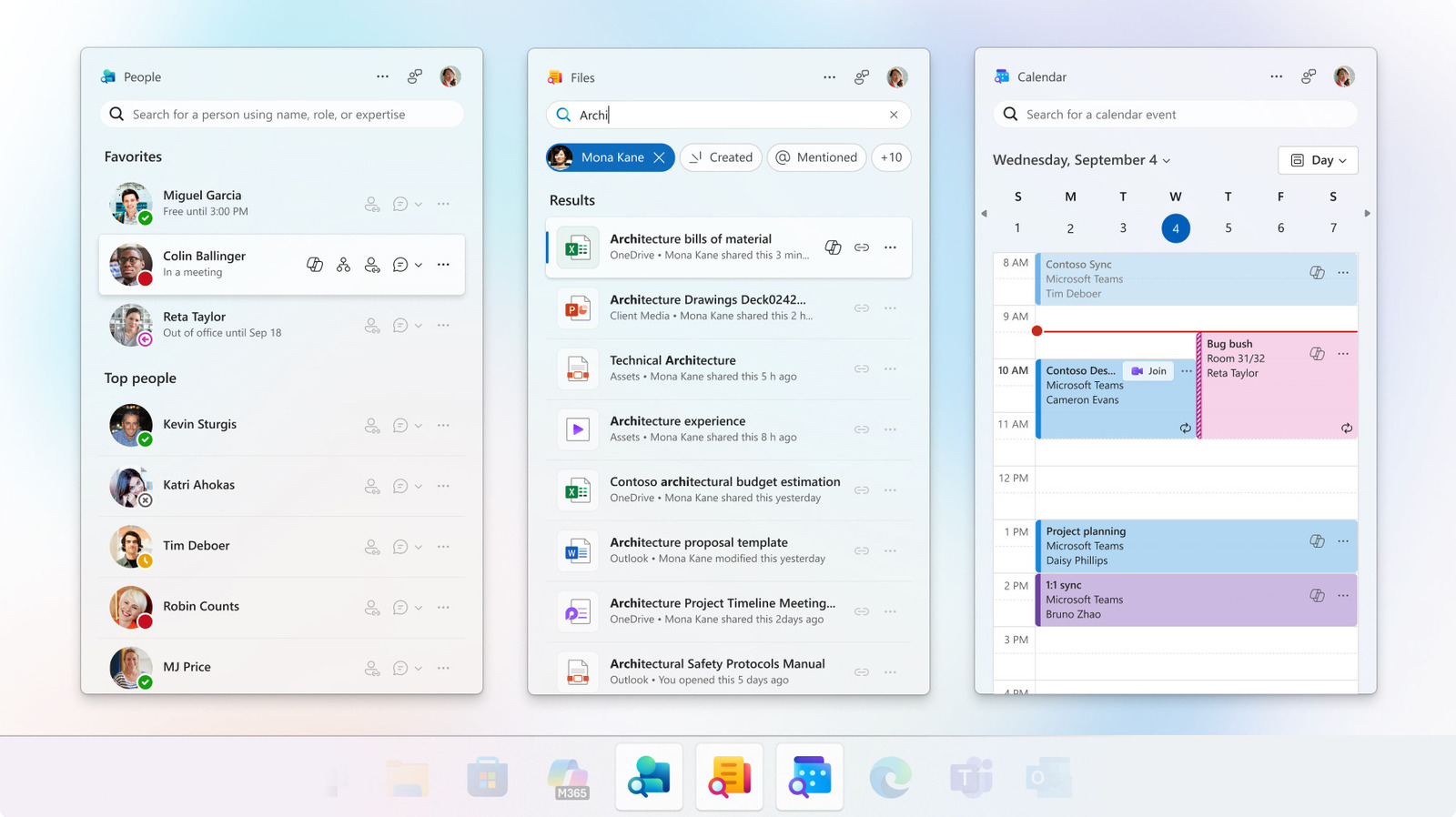
If your Windows computer is being managed by your employer, your IT admin will likely remove the retired apps from your device on your behalf. Otherwise, go to Windows Settings > Apps > Installed Apps, then search "Microsoft 365 companions," click on the three dots and then select "Uninstall" to remove them.
Because these companion apps rely on data from SharePoint Online and Exchange Online, part of the 365 cloud, you don't have to worry about losing anything when they're uninstalled. Microsoft's support page confirms that this data is kept in your Microsoft 365 services files, not within the companion app files.
Removing apps you don't use, including retired ones, is a best practice for optimizing device security, storage and performance. If you want to take things one step further, there are other things you can do to improve your Windows 11 experience, too.