
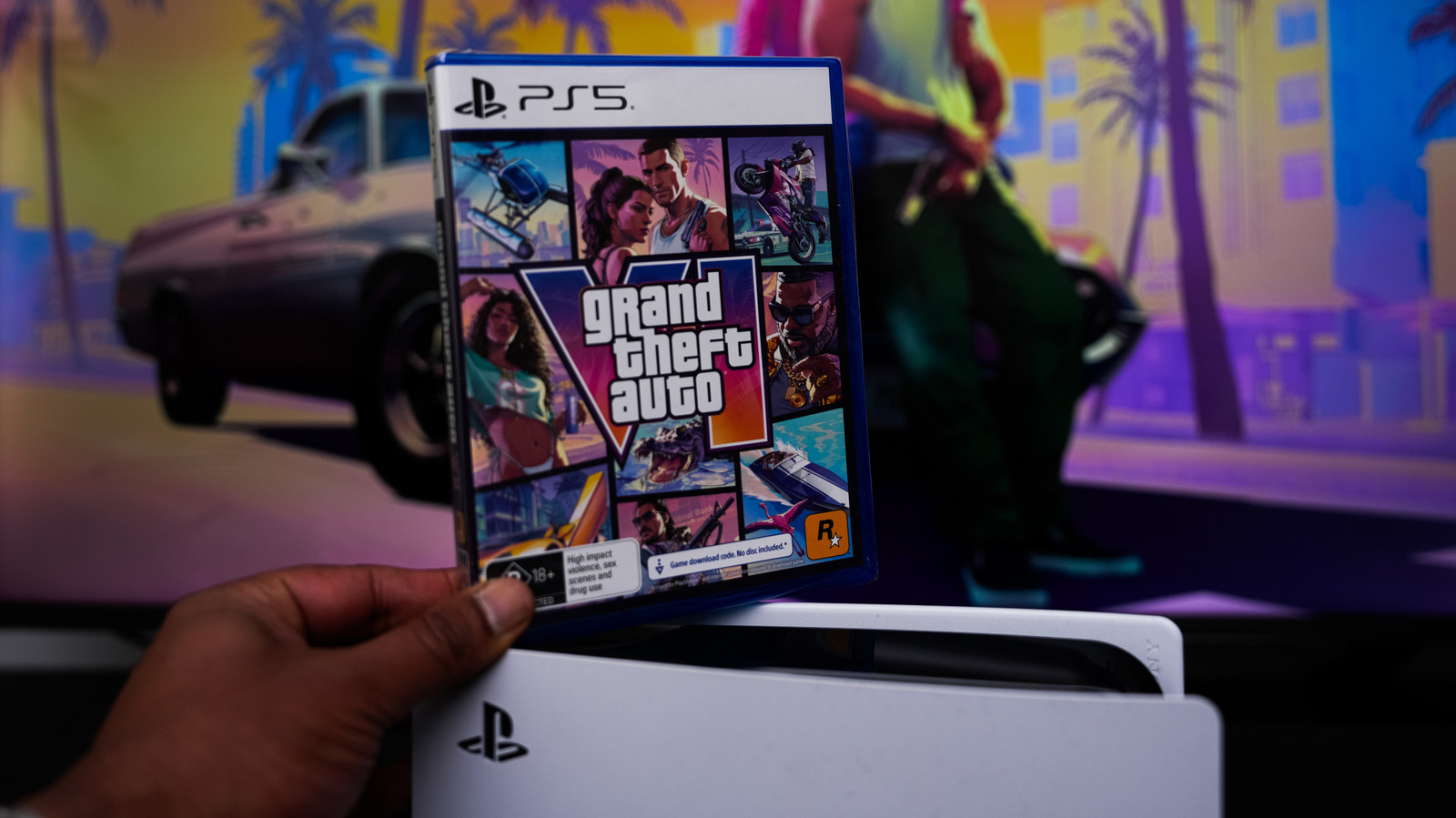
 Can you play GTA 6 from an external hard drive on PS5 or Xbox Series X/S?
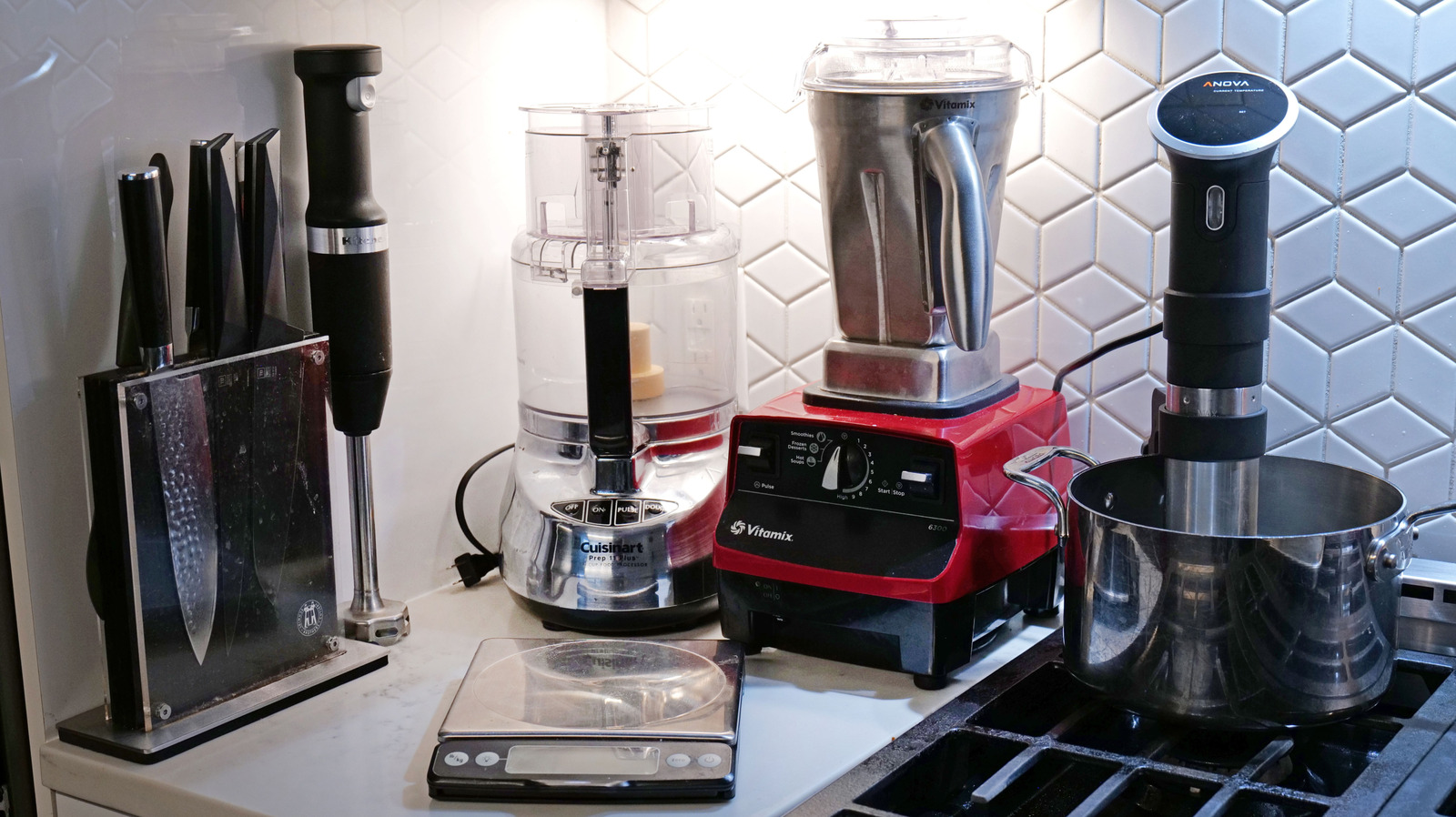 7 gadgets that'll instantly upgrade your Thanksgiving feast
 Capcom's quirky dinosaur-fighting hero shooter is shutting down in 2027
 Trump admin didn't investigate Jensen Huang before pushing Nvidia to bring him back: 'What does that mean, had Huang been investigated? For what?'
 GTA 6 vault: How to open them during big bank jobs
 Deceased BBC football commentator resurrected with AI for EA Sports FC: The family says it's a 'touching tribute' but some fans call it 'gross' and 'bleak'
 State AGs are trying to stop Character.AI from auctioning off users' chat histories
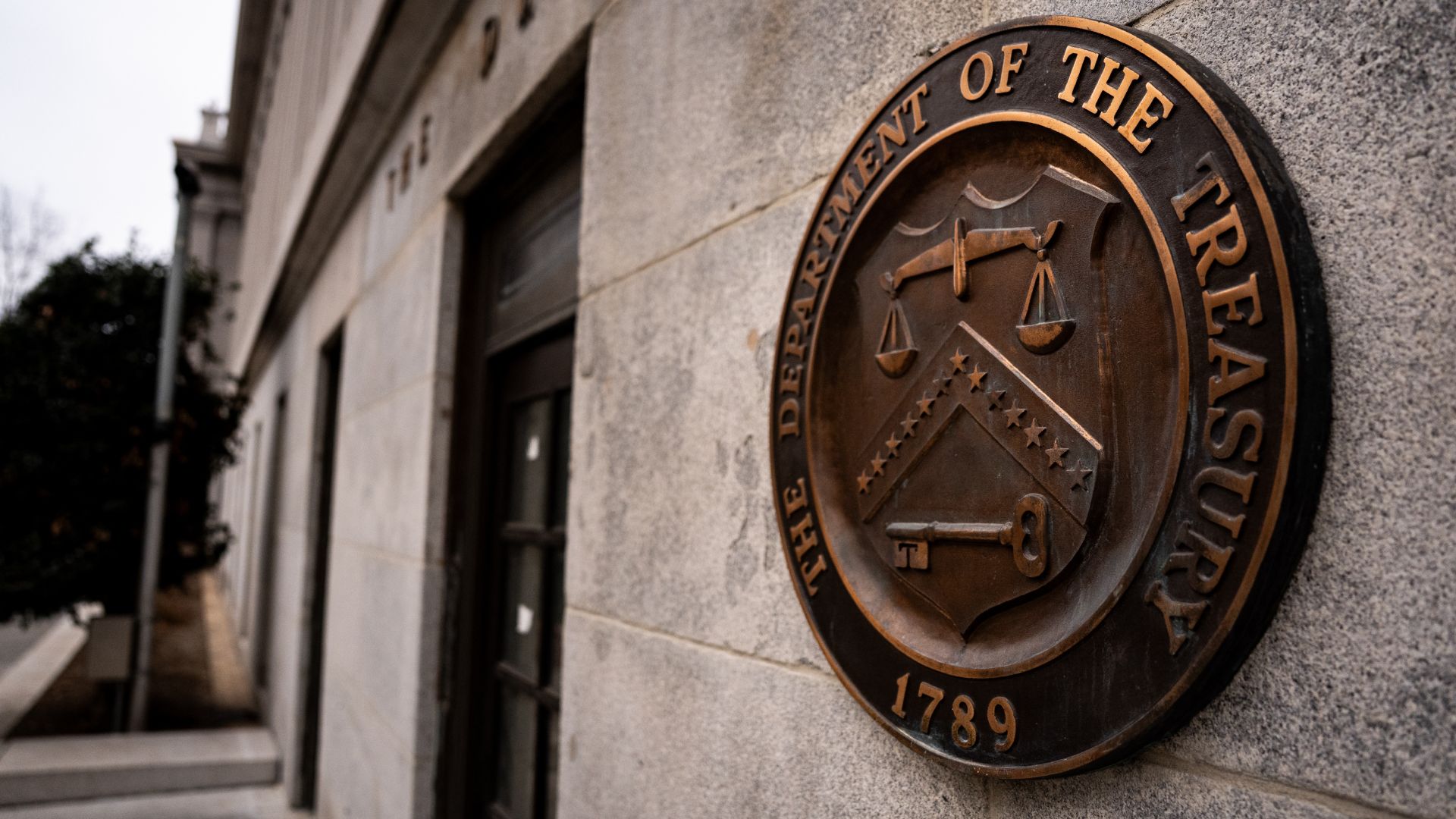 As the US Treasury suffers a cybersecurity breach, its chief tech guy is vibecoding a Civilization clone
 AI kills another coding competition: 'I was not at all interested in giving awards to the output of large language models'
If casting content doesn't work, you can always use a streaming device. Gaming consoles are the best option here since most have a Twitch app you can install. Boot up the Twitch app from your preferred console and watch your favorite streams. Previous-generation and modern-gen PlayStation and Xbox consoles include a Twitch app; the Switch and Switch 2 do not.
Consoles aren't the only devices that can stream. You can also use an Amazon Fire Stick, a Roku device or Apple TV 4K to watch Twitch on your TV. The Fire Stick has an official Twitch app you can install; the Roku doesn't, but it does support casting and screen mirroring. If all else fails, you can also connect your laptop or desktop directly to your TV via HDMI or DisplayPort. Play Twitch on the connected device, then switch your TV's input to that device to enjoy the stream. Remember, you'll need to switch streams on the connected device, not on your TV.