
 Warhammer Survivors update buffs XP and weapons, nerfs those damn Beasts of Nurgle
 Can you play GTA 6 from an external hard drive on PS5 or Xbox Series X/S?
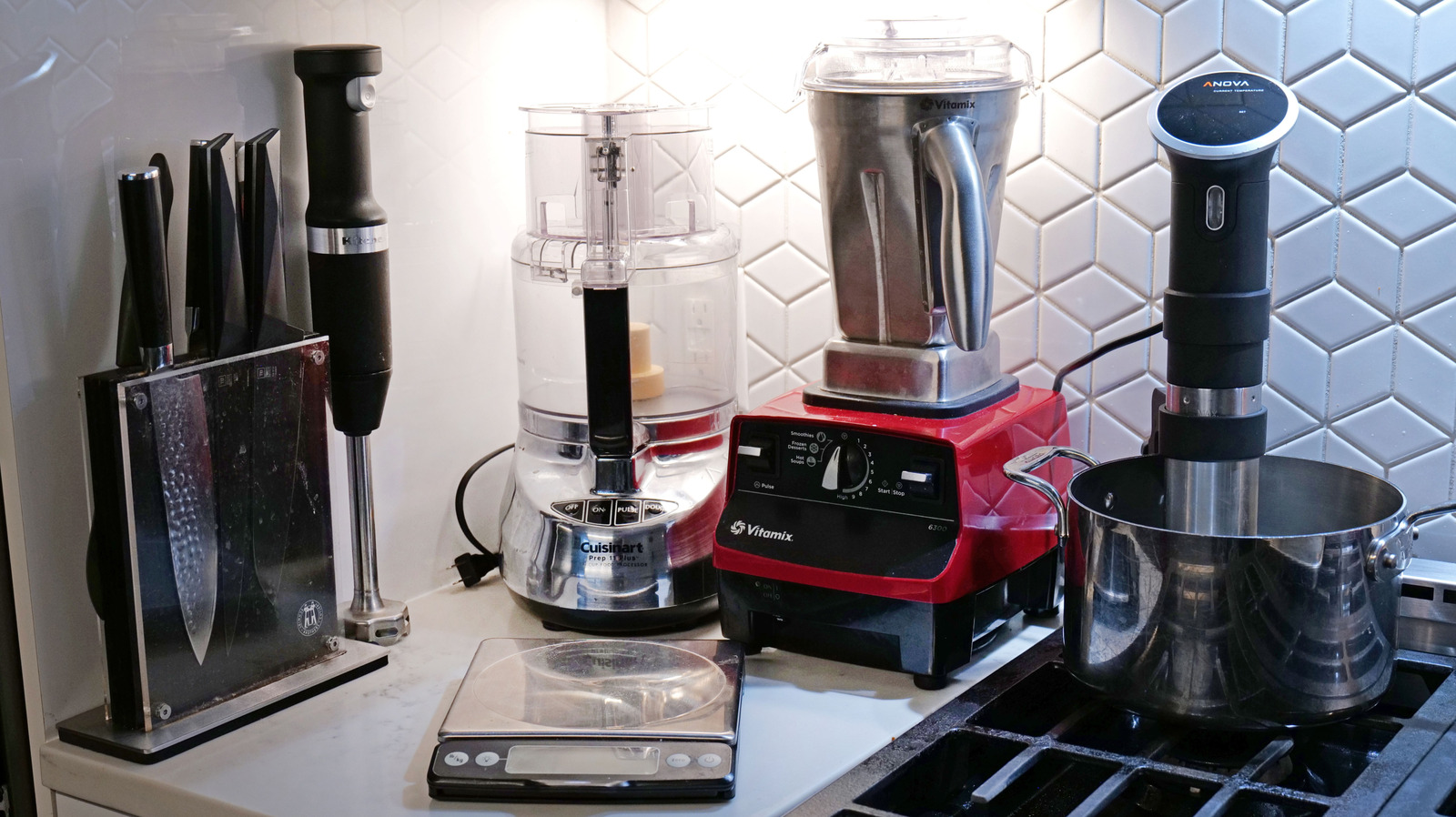 7 gadgets that'll instantly upgrade your Thanksgiving feast
 Capcom's quirky dinosaur-fighting hero shooter is shutting down in 2027
 Trump admin didn't investigate Jensen Huang before pushing Nvidia to bring him back: 'What does that mean, had Huang been investigated? For what?'
 GTA 6 vault: How to open them during big bank jobs
 Deceased BBC football commentator resurrected with AI for EA Sports FC: The family says it's a 'touching tribute' but some fans call it 'gross' and 'bleak'
 State AGs are trying to stop Character.AI from auctioning off users' chat histories
 As the US Treasury suffers a cybersecurity breach, its chief tech guy is vibecoding a Civilization clone
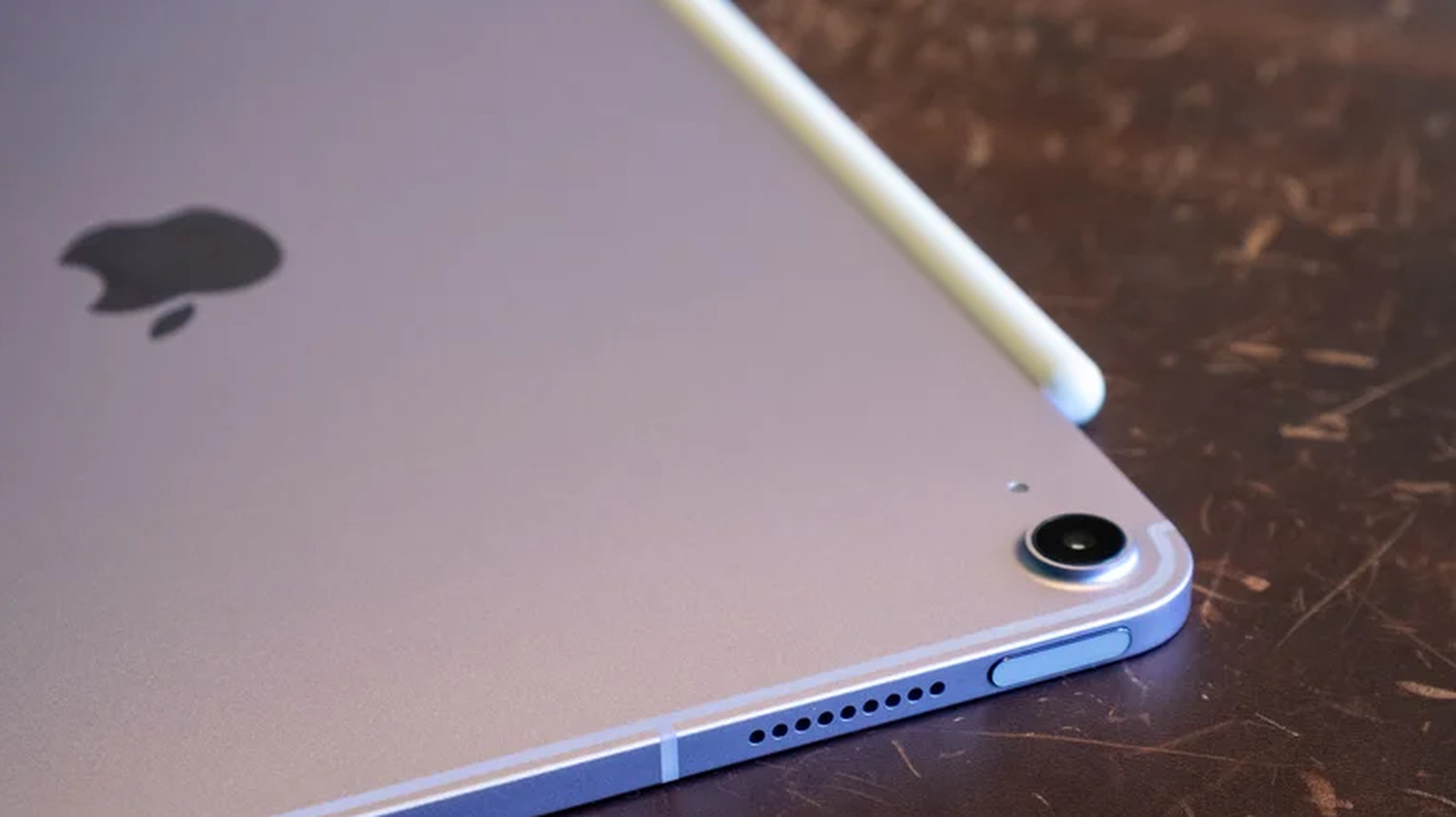
To install the iPadOS 27.3 beta, open the Settings app on your iPad, then tap General > Software Update. If you haven't already done so, you'll need to enable beta updates. Tap the Beta Updates option, then iPadOS 27 Public Beta. After you go back to the Software Update tab, you should be able to install the iPadOS 27.3 beta.
Before you install the beta, it's best to create a full backup of your iPad using iCloud, a Mac or a Windows PC. Beta builds aren't the finished product, meaning they're more susceptible to bugs and errors. Backing up your data should be standard practice anyway, but it's especially advisable to do that before installing a beta version of an operating system, just to make sure your files and other information stay safe.
If you don't feel comfortable enough to install a iPadOS beta, that's perfectly fine! The public version of the OS update is likely coming soon. You can check out the Siri tab on your iPad's Camera app at that point.