 Warhammer Survivors update buffs XP and weapons, nerfs those damn Beasts of Nurgle
 Can you play GTA 6 from an external hard drive on PS5 or Xbox Series X/S?
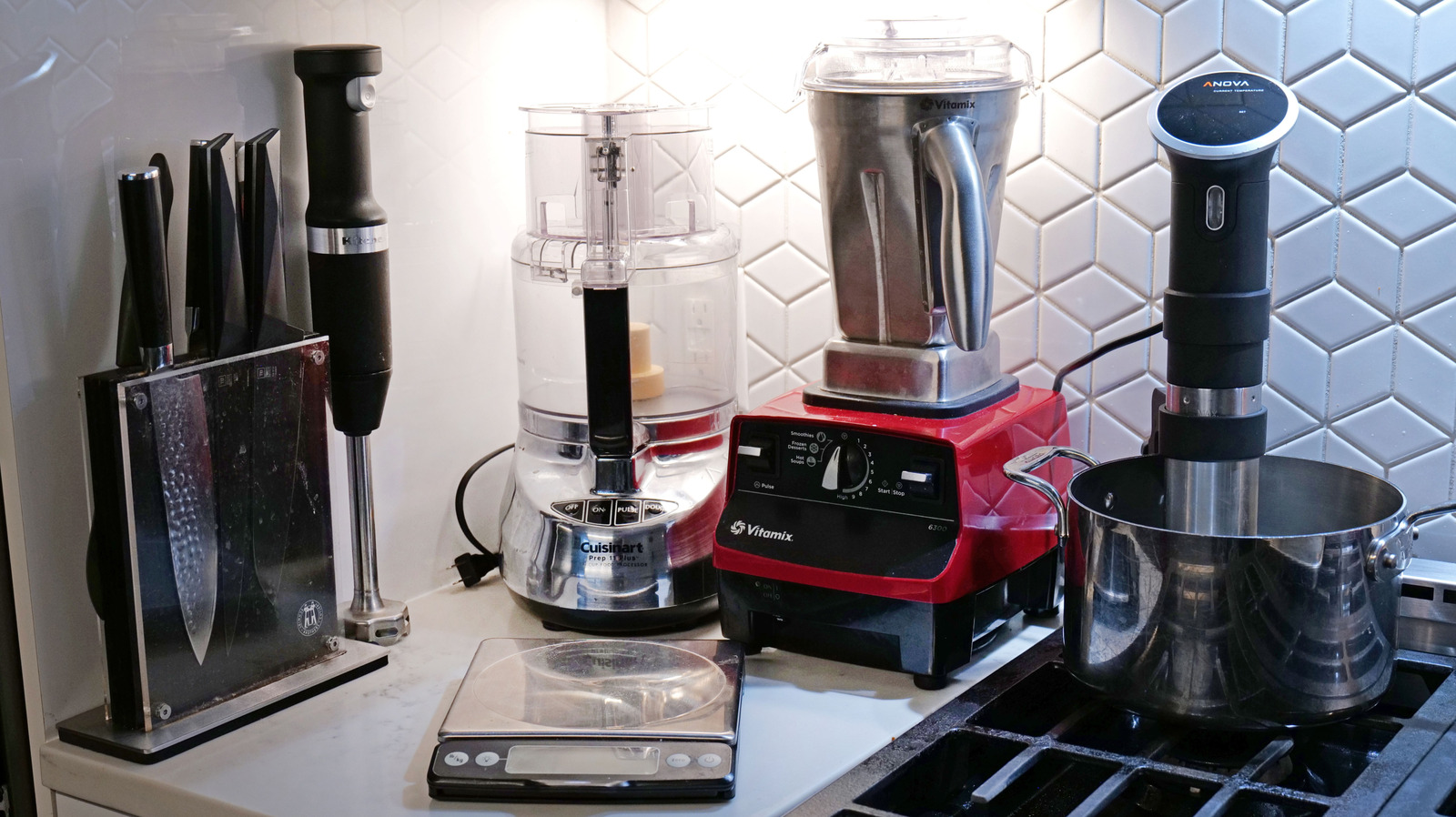 7 gadgets that'll instantly upgrade your Thanksgiving feast
 Capcom's quirky dinosaur-fighting hero shooter is shutting down in 2027
 Trump admin didn't investigate Jensen Huang before pushing Nvidia to bring him back: 'What does that mean, had Huang been investigated? For what?'
 GTA 6 vault: How to open them during big bank jobs
 Deceased BBC football commentator resurrected with AI for EA Sports FC: The family says it's a 'touching tribute' but some fans call it 'gross' and 'bleak'
 State AGs are trying to stop Character.AI from auctioning off users' chat histories
 As the US Treasury suffers a cybersecurity breach, its chief tech guy is vibecoding a Civilization clone
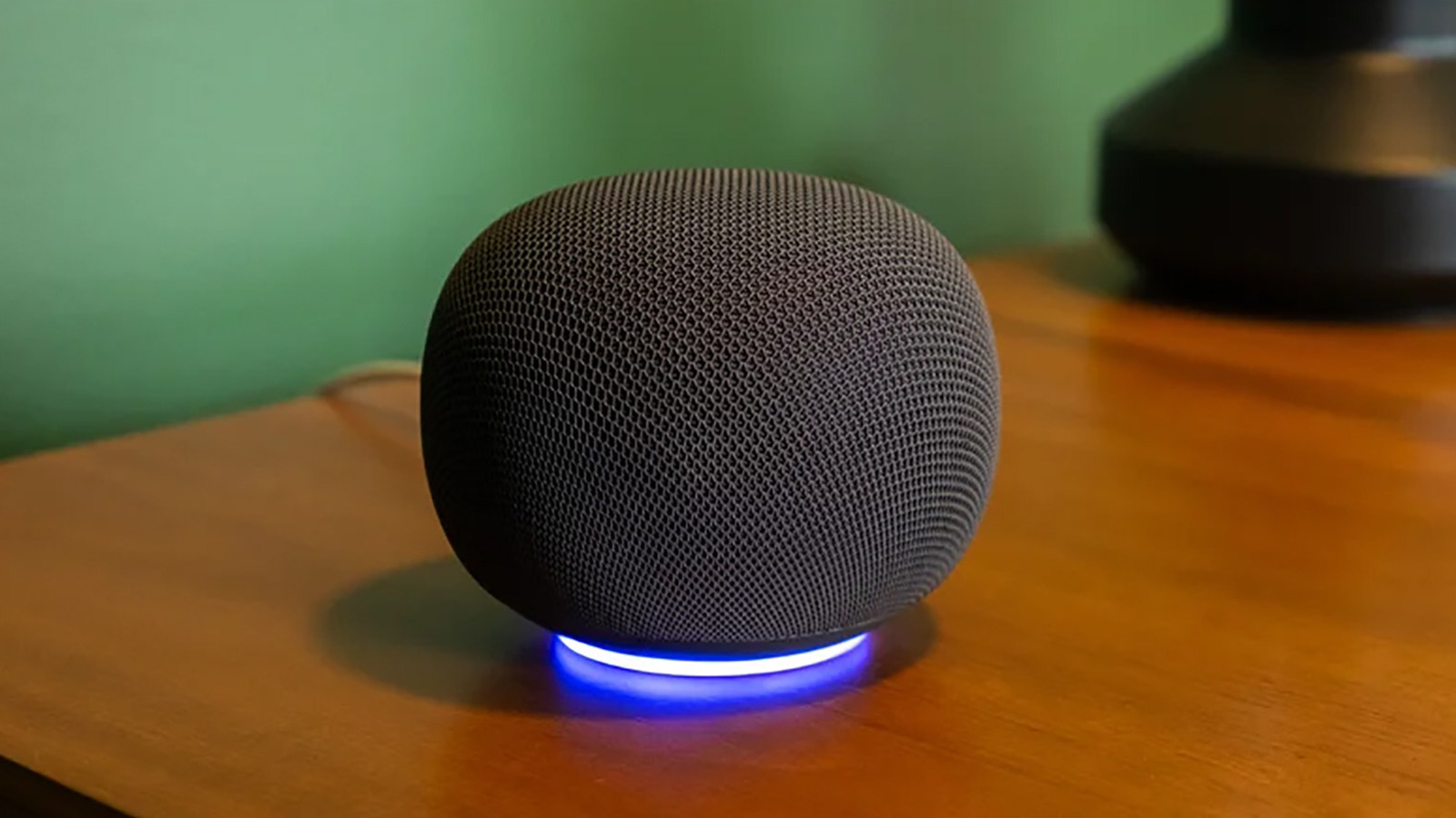
To get personal results to work for everyone in the family, everyone needs to go through setting up Voice Match. It works for up to six people, and each person needs to link their Google account to the device individually and turn on Voice Match using the steps noted above. From here, the Google Home will be able to determine who is speaking and provide personalized responses to their queries by recognizing and distinguishing among voices.
Personal results combined with Voice Match allows everyone to walk by, ask a question, and get a response that's unique to them. A teen might be reminded that he has a math test today, while Mom can call up her notes with a reminder to pick up a case of water for the soccer game tonight. Dad might ask for the score for his favorite team while Grandma wants to play her favorite music playlist while making dinner. It's a useful feature to use whether you're personalizing results for you and you alone or for everyone to have their own personal assistant.