
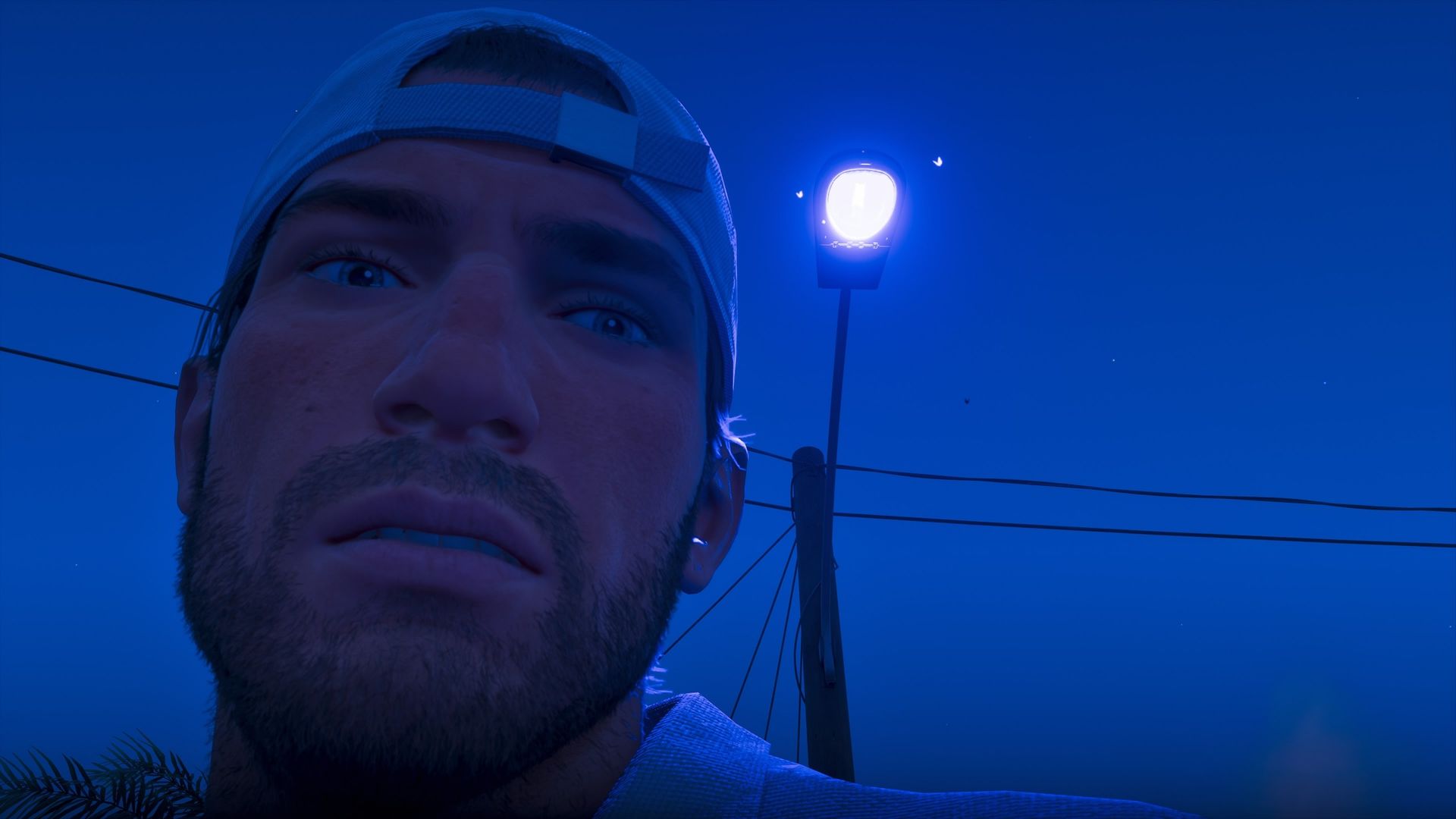
 GTA 6 has weird purple streetlights because actual Florida screwed up its streetlights
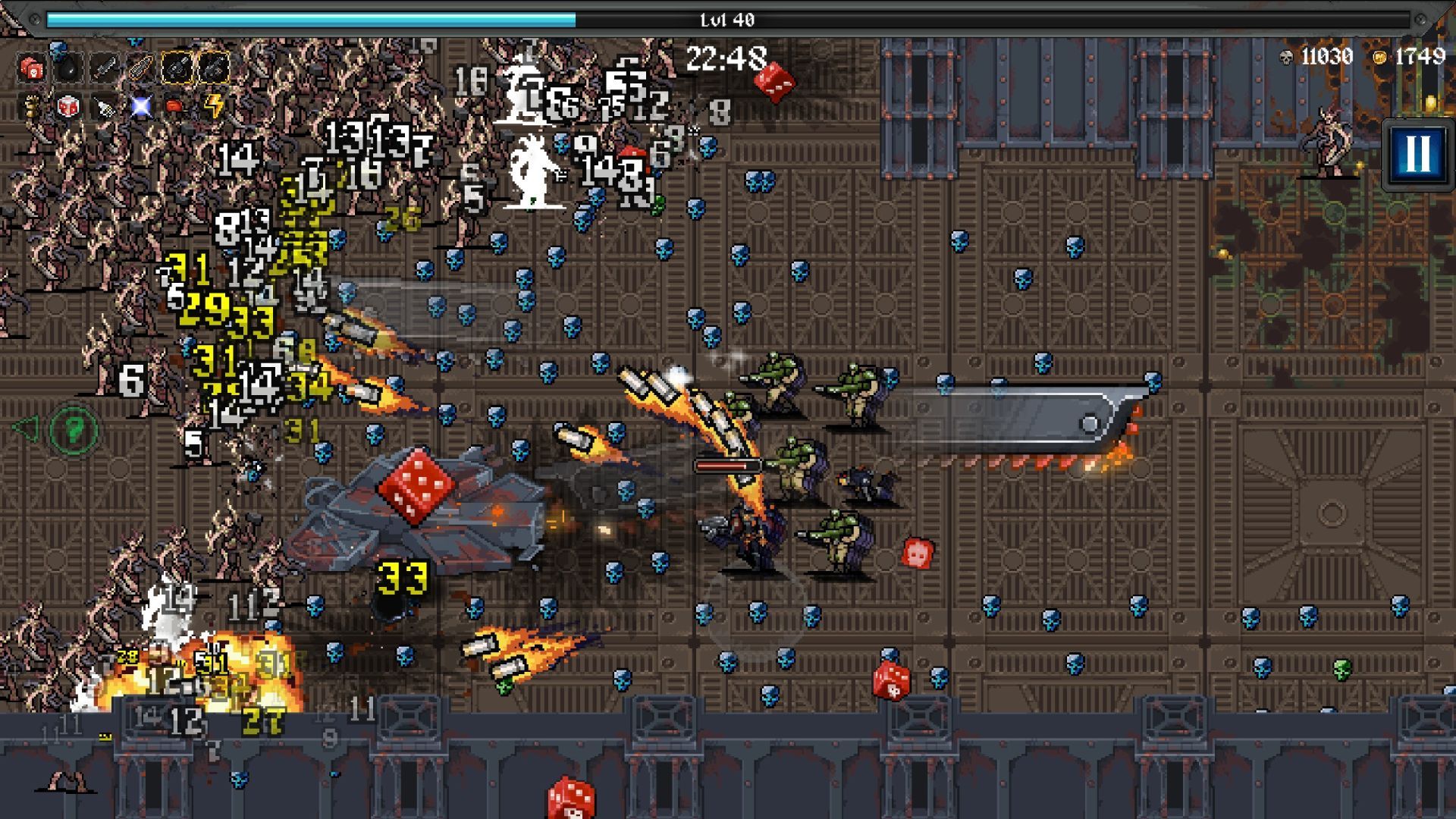 Warhammer Survivors update buffs XP and weapons, nerfs those damn Beasts of Nurgle
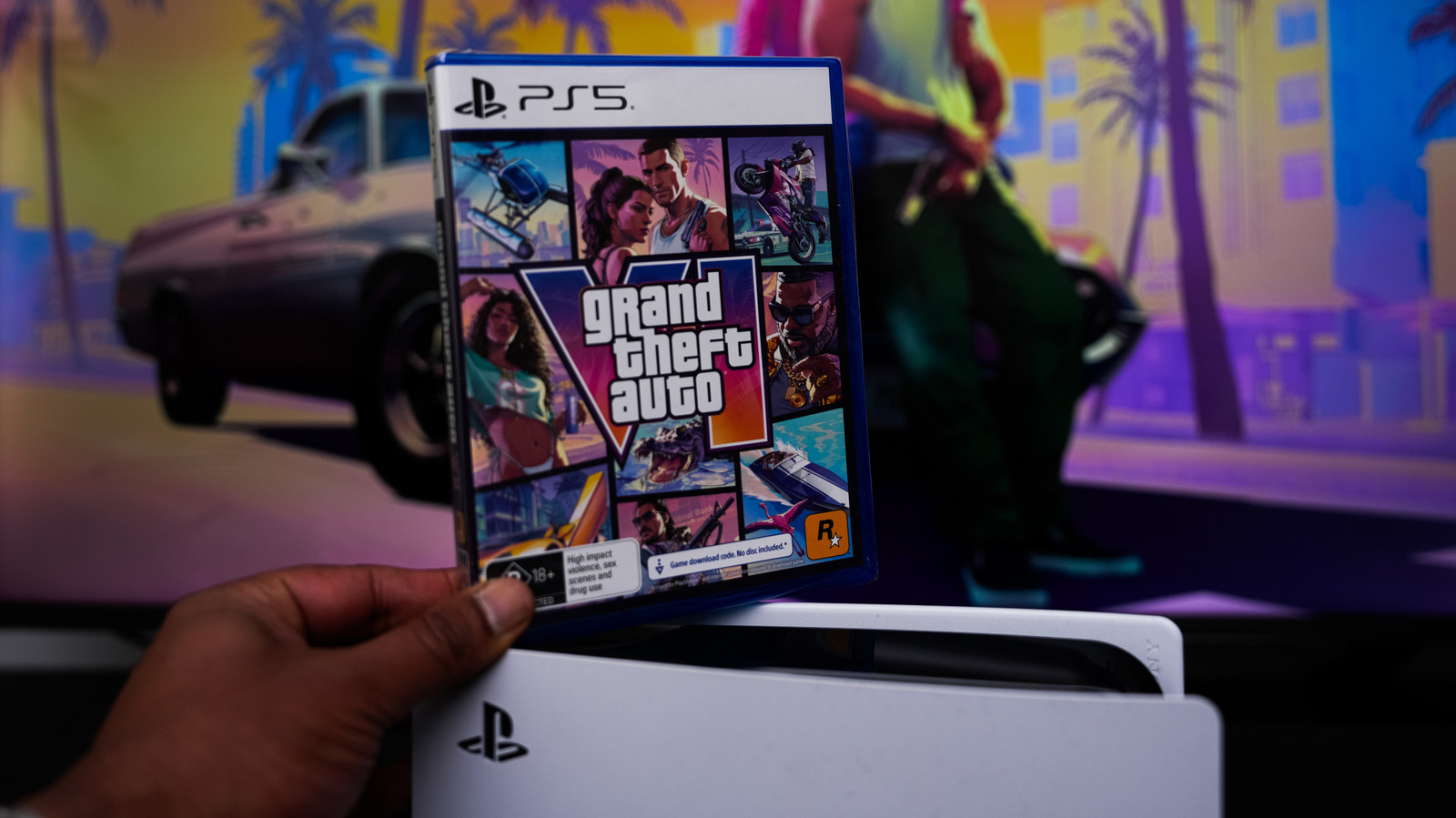 Can you play GTA 6 from an external hard drive on PS5 or Xbox Series X/S?
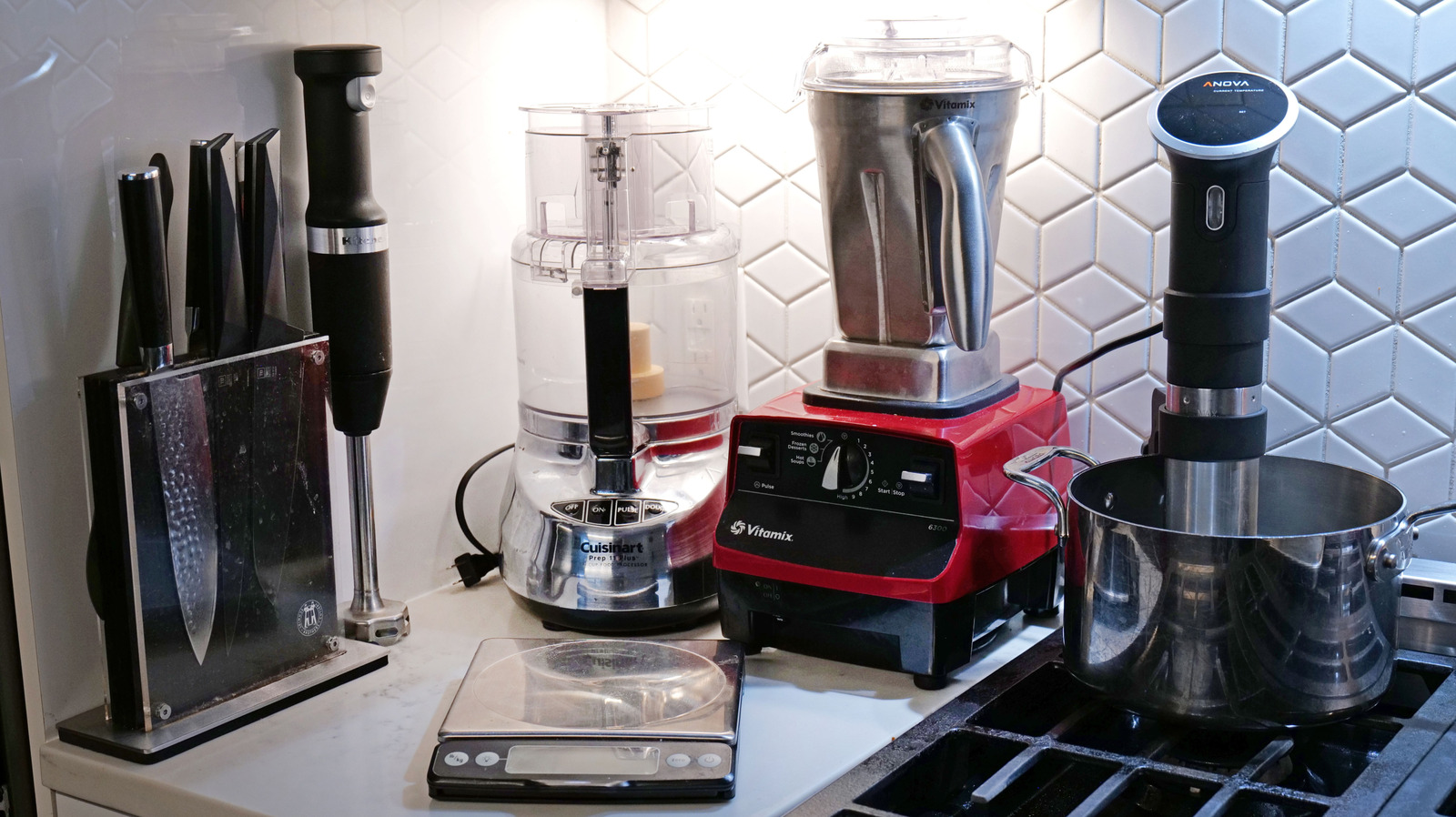 7 gadgets that'll instantly upgrade your Thanksgiving feast
 Capcom's quirky dinosaur-fighting hero shooter is shutting down in 2027
 Trump admin didn't investigate Jensen Huang before pushing Nvidia to bring him back: 'What does that mean, had Huang been investigated? For what?'
 GTA 6 vault: How to open them during big bank jobs
 Deceased BBC football commentator resurrected with AI for EA Sports FC: The family says it's a 'touching tribute' but some fans call it 'gross' and 'bleak'
 State AGs are trying to stop Character.AI from auctioning off users' chat histories
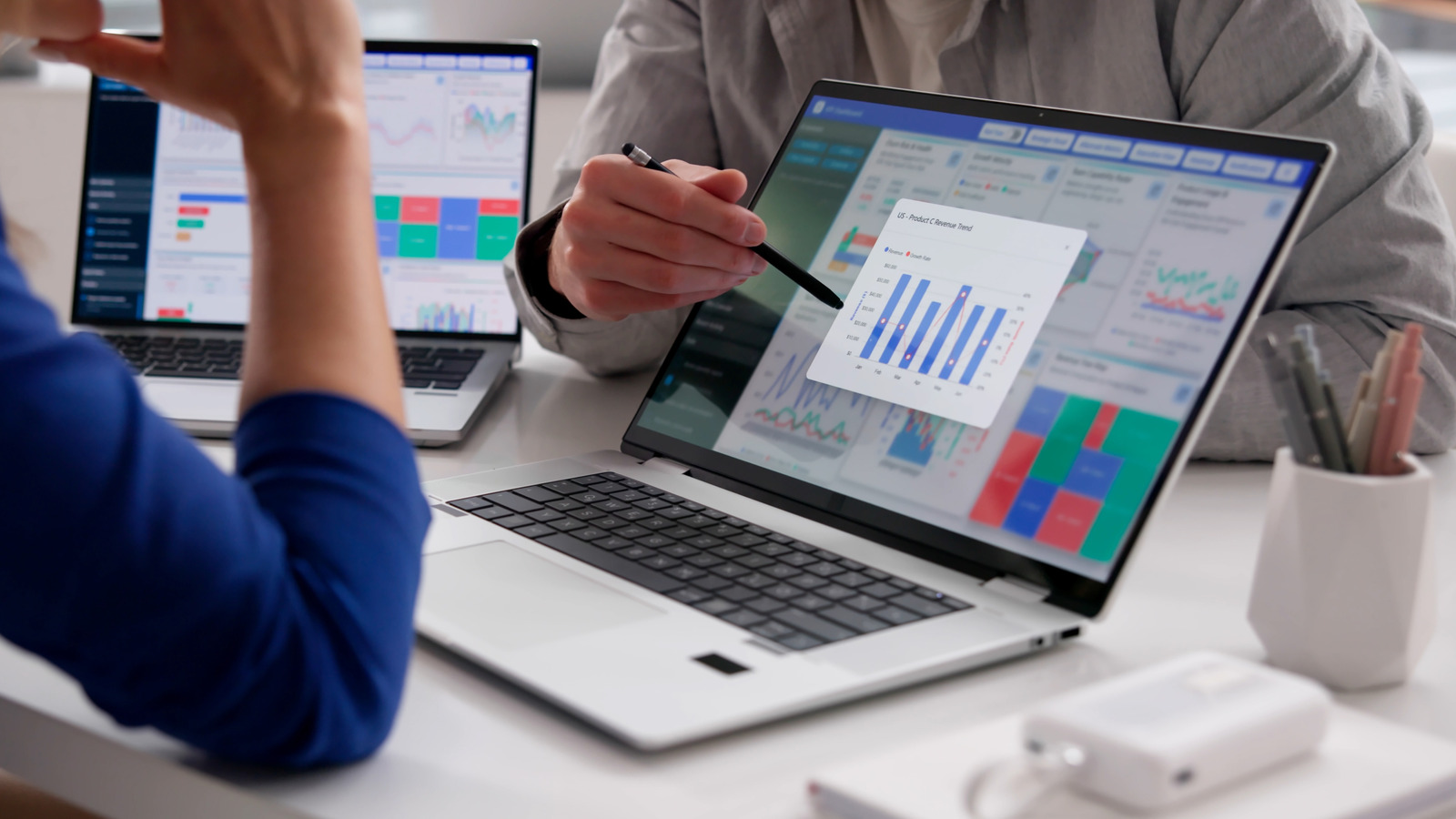
Most laptop HDMI ports are video-out only, so plugging two devices together with a cord will not directly allow you to extend or mirror displays. To work around this, get an HDMI-to-USB video capture card, which can be plugged into both laptops. Plug your main device's HDMI cable into the card, then plug the card's USB end into the spare laptop. The capture card will function as a webcam, so you can view the feed in your laptop's camera app or a free video app like OBS Studio, which runs on Windows, Mac and Linux.
If you are gaming and want to play a console without a TV, you can connect a PlayStation or a Nintendo Switch to the laptop in the same way. Again, there may be a small amount of lag but usually less than Wi-Fi-based connections, and it's unlikely to trip you up unless you are a competitive gamer. If none of these uses appeal to you, you can always use your old laptop to make a smart home hub.