 Can you play GTA 6 from an external hard drive on PS5 or Xbox Series X/S?
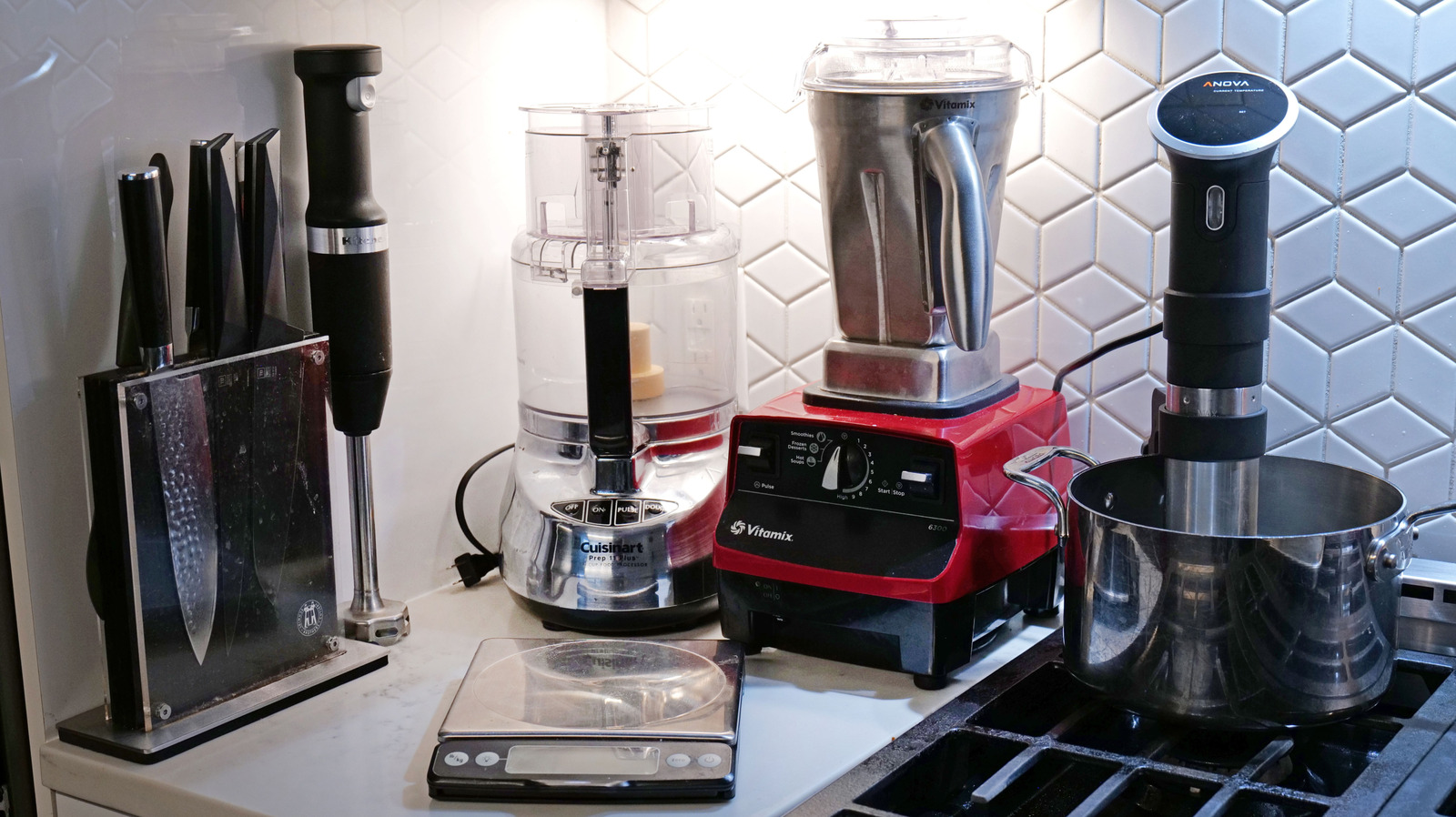 7 gadgets that'll instantly upgrade your Thanksgiving feast
 Capcom's quirky dinosaur-fighting hero shooter is shutting down in 2027
 Trump admin didn't investigate Jensen Huang before pushing Nvidia to bring him back: 'What does that mean, had Huang been investigated? For what?'
 GTA 6 vault: How to open them during big bank jobs
 Deceased BBC football commentator resurrected with AI for EA Sports FC: The family says it's a 'touching tribute' but some fans call it 'gross' and 'bleak'
 State AGs are trying to stop Character.AI from auctioning off users' chat histories
 As the US Treasury suffers a cybersecurity breach, its chief tech guy is vibecoding a Civilization clone
 AI kills another coding competition: 'I was not at all interested in giving awards to the output of large language models'
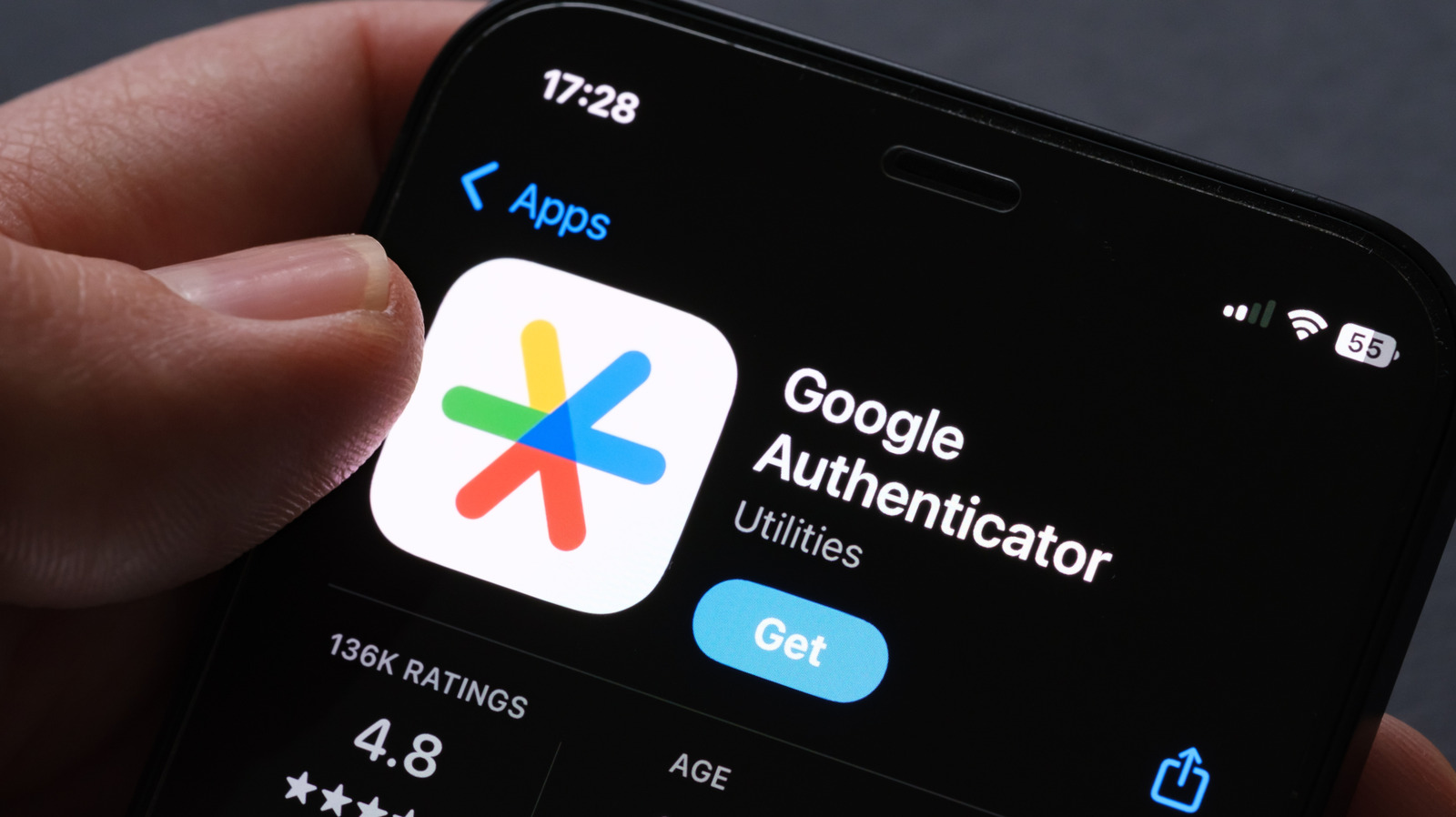
Unfortunately, if you don't have your old phone to hand, the latter becomes a little trickier. Having backups via the cloud should be a lifesaver for modern users, but they didn't become available until 2023 — and manual Authenticator transfers for Android devices weren't possible until 2020.
In situations like this, you'll likely have to use different methods for each locked account. What might be a lifesaver here is checking if you're still logged into a certain account on a different device — which will generally allow you to temporarily disable 2FA so you can log back in from elsewhere. Also, if your email and phone are linked to an account, you should eventually be able to recover it, even if that means contacting the account provider to sort things out.
The best way to avoid this sort of headache is to prepare ahead of time as soon as you opt in to Authenticator, whether that's by making sure your codes are saved to the cloud or by creating backup codes, which you can do by opening your Google account and navigating Security & Sign-in > 2-Step Verification and heading to the "Backup codes" section.