
 Trump admin didn't investigate Jensen Huang before pushing Nvidia to bring him back: 'What does that mean, had Huang been investigated? For what?'
 GTA 6 vault: How to open them during big bank jobs
 Deceased BBC football commentator resurrected with AI for EA Sports FC: The family says it's a 'touching tribute' but some fans call it 'gross' and 'bleak'
 State AGs are trying to stop Character.AI from auctioning off users' chat histories
 As the US Treasury suffers a cybersecurity breach, its chief tech guy is vibecoding a Civilization clone
 AI kills another coding competition: 'I was not at all interested in giving awards to the output of large language models'
 How to steal the Pegassi Infernus in GTA 6
 How to steal an ATM and get a winched vehicle in GTA 6
 Even Max Verstappen has succumbed to GTA 6 fever, squeezing in 40 hours around his Las Vegas Grand Prix win
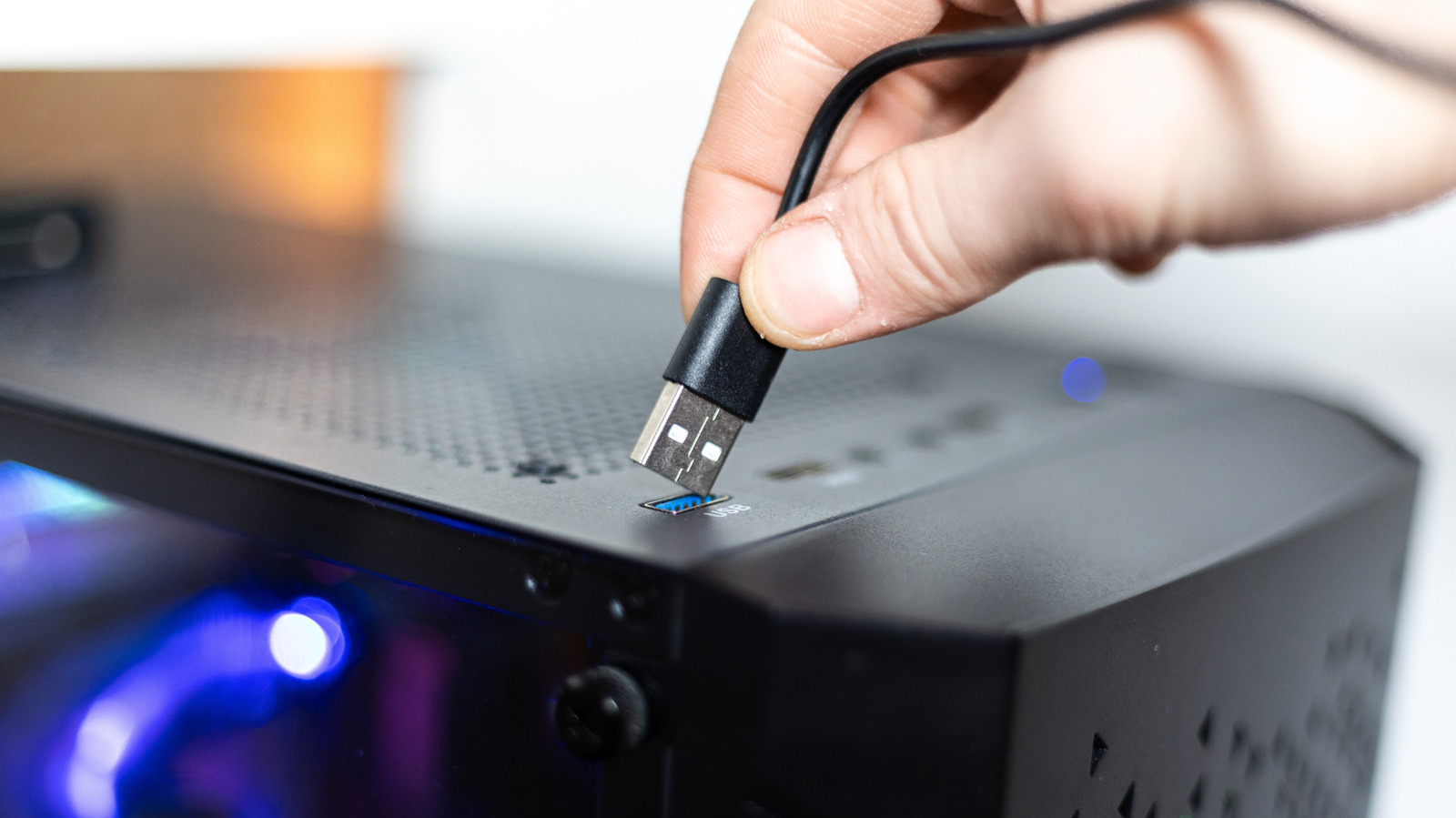
Whether this difference in power and speed will actually affect your peripherals depends on what you're using and what you need. For common devices like a mouse, keyboard or headphones, the ports on the front of your computer handle them just fine. These devices use very little power and don't require high speeds to run. Even a regular USB flash drive is fine to use with them if you don't plan on transferring huge amounts of data or constantly reading and writing.
Choose the rear ports when you're connecting bandwidth-intensive or latency-sensitive peripherals, such as external SSDs, capture cards or VR headsets. Plugging these into high-speed ports will definitely make a difference, and some of them may not even work on slower ports. It's definitely worth checking the specs of your motherboard or computer to see the exact speeds of each USB port so you'll know which one to plug each accessory into. Symbols or colors can give you a hint, but they aren't always consistent.