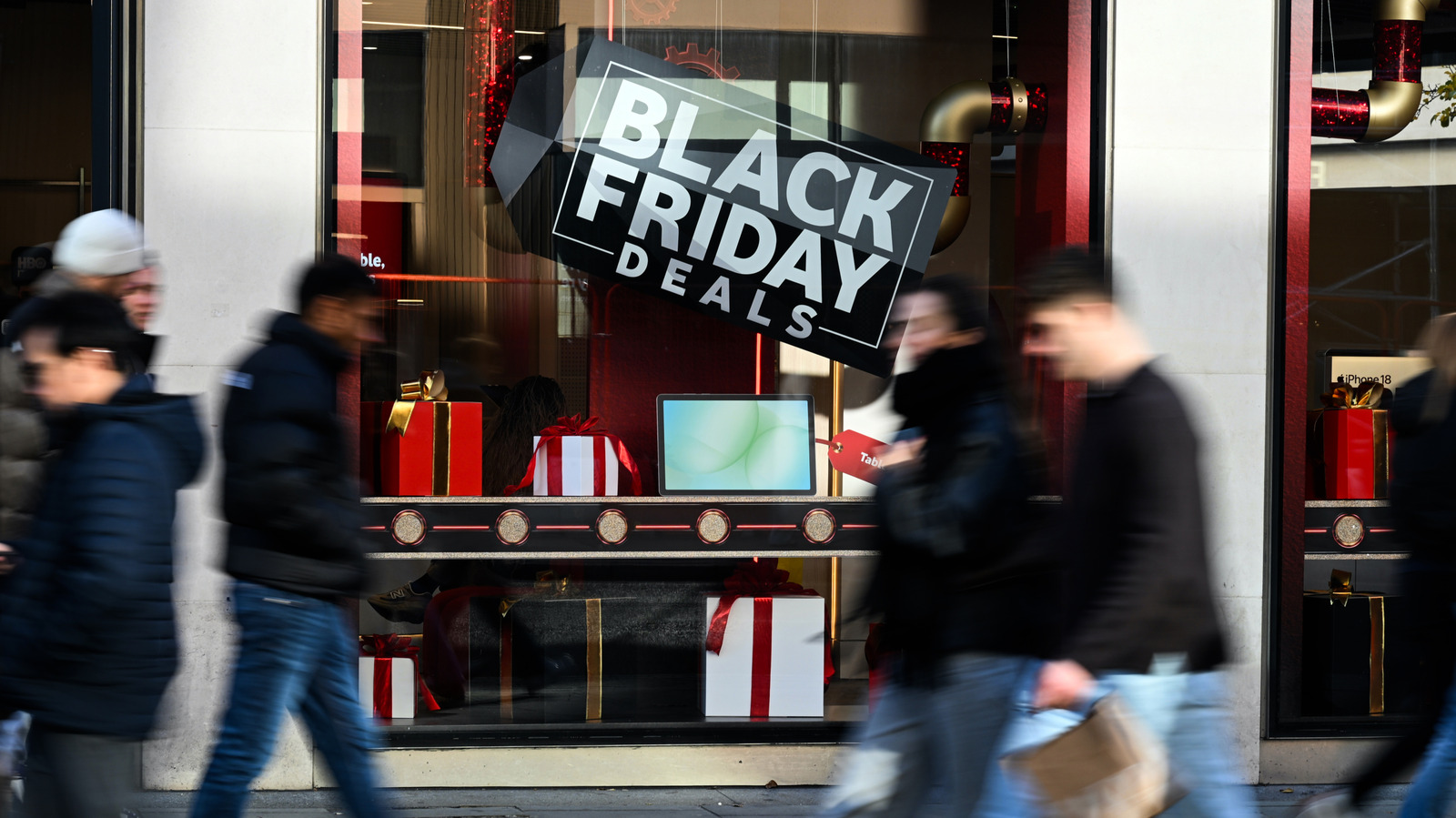
 We reviewed these 10 gadgets, and they're now on sale for Black Friday
 GTA 6 has weird purple streetlights because actual Florida screwed up its streetlights
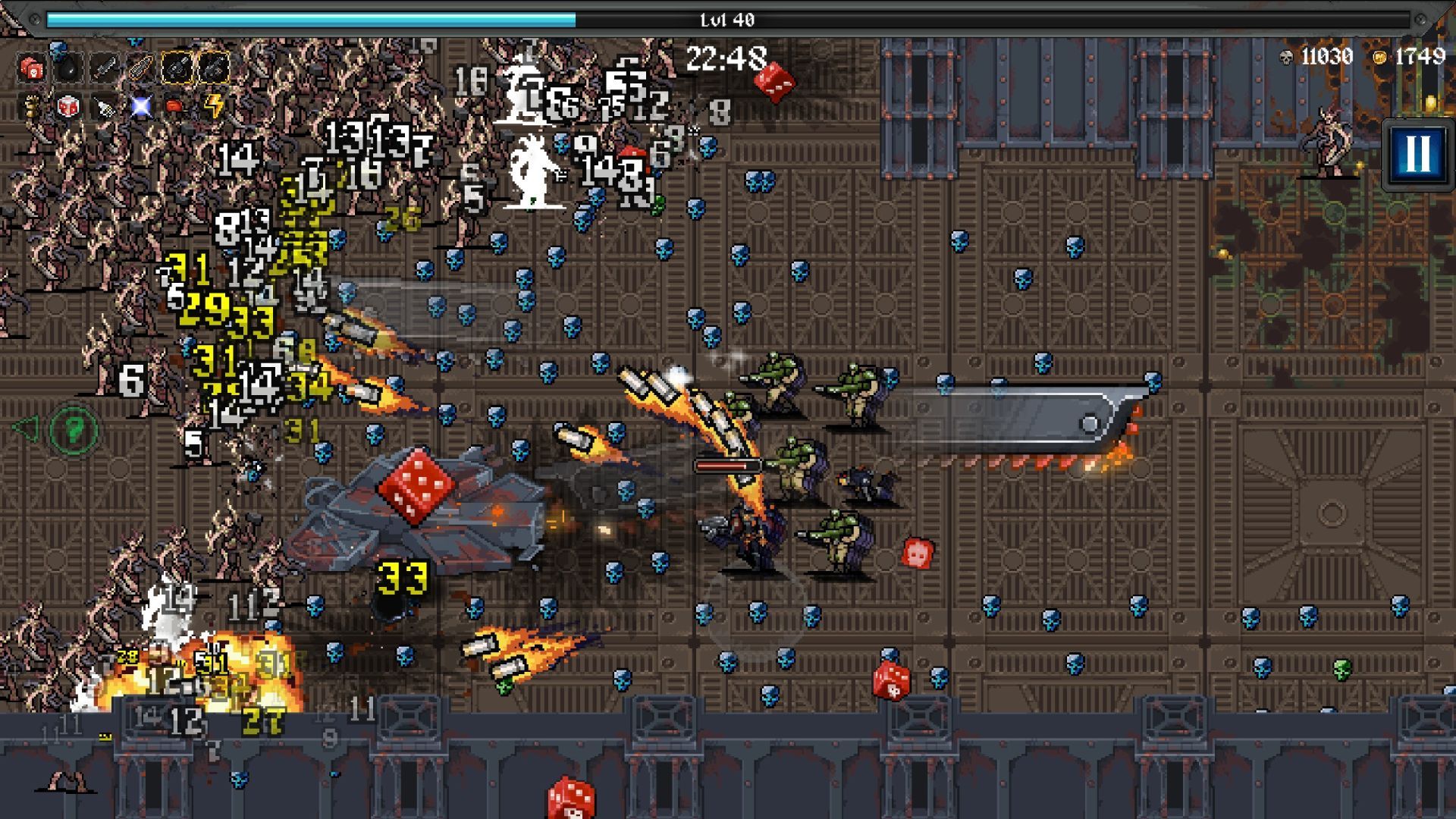 Warhammer Survivors update buffs XP and weapons, nerfs those damn Beasts of Nurgle
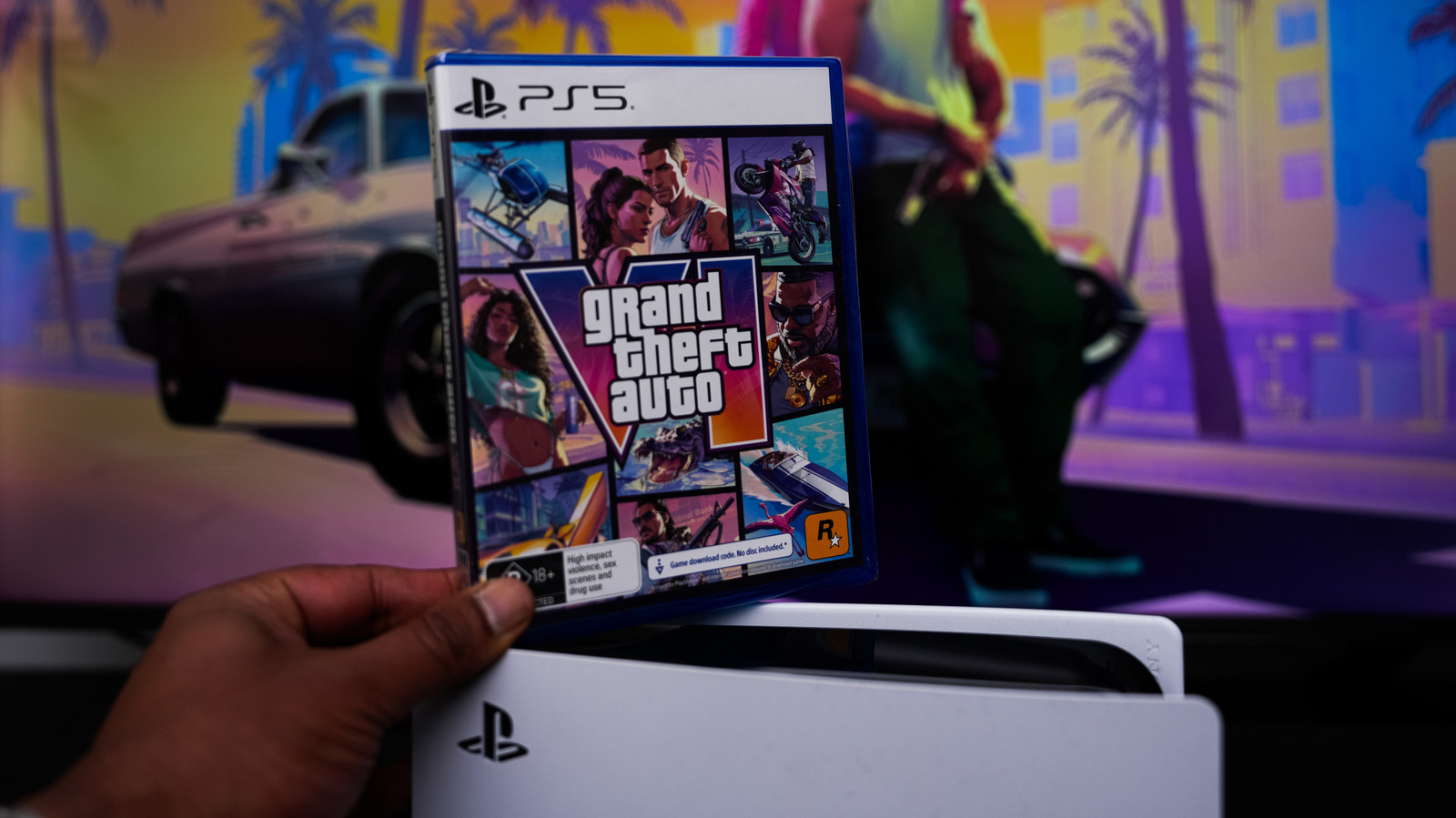 Can you play GTA 6 from an external hard drive on PS5 or Xbox Series X/S?
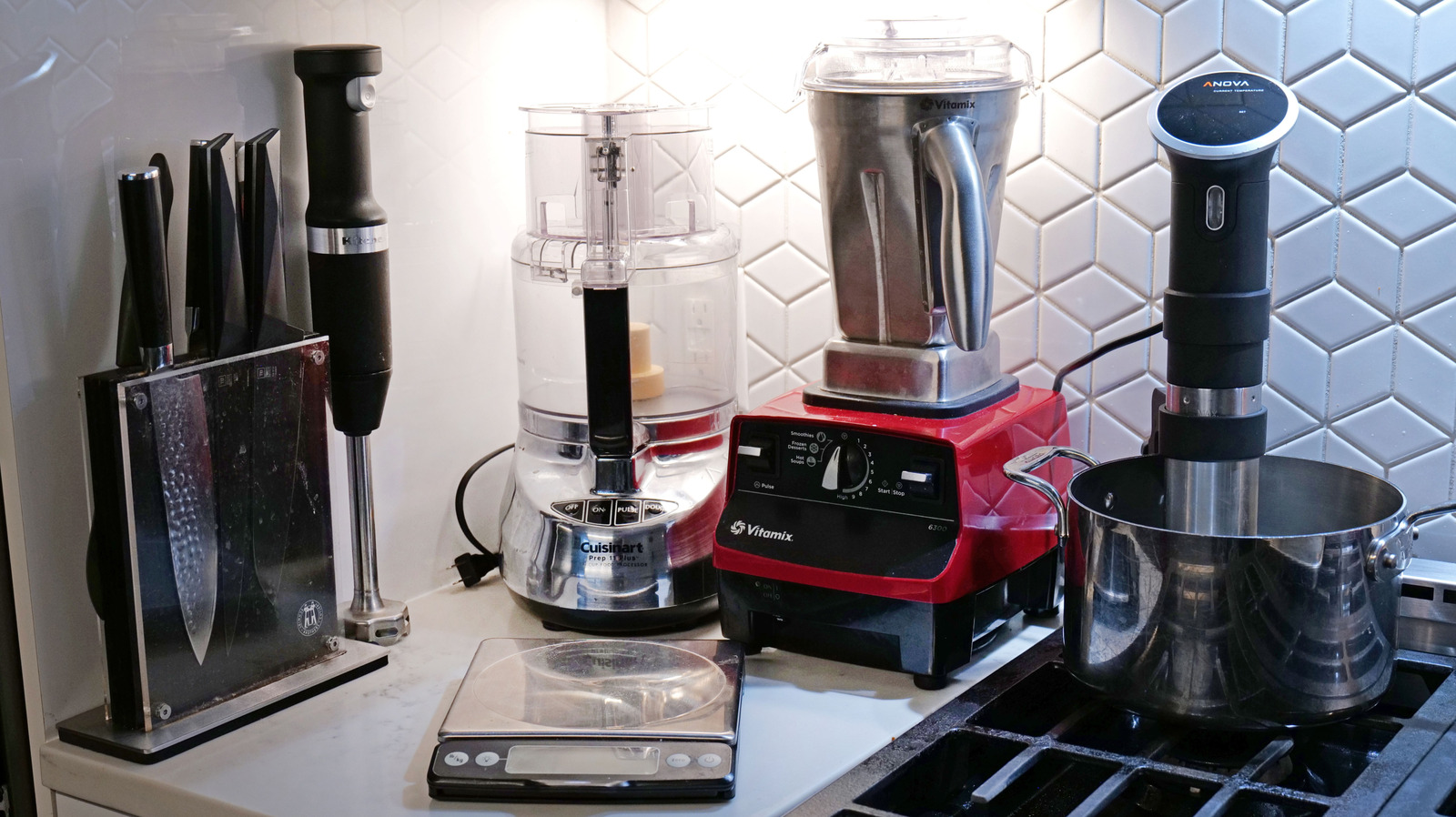 7 gadgets that'll instantly upgrade your Thanksgiving feast
 Capcom's quirky dinosaur-fighting hero shooter is shutting down in 2027
 Trump admin didn't investigate Jensen Huang before pushing Nvidia to bring him back: 'What does that mean, had Huang been investigated? For what?'
 GTA 6 vault: How to open them during big bank jobs
 Deceased BBC football commentator resurrected with AI for EA Sports FC: The family says it's a 'touching tribute' but some fans call it 'gross' and 'bleak'
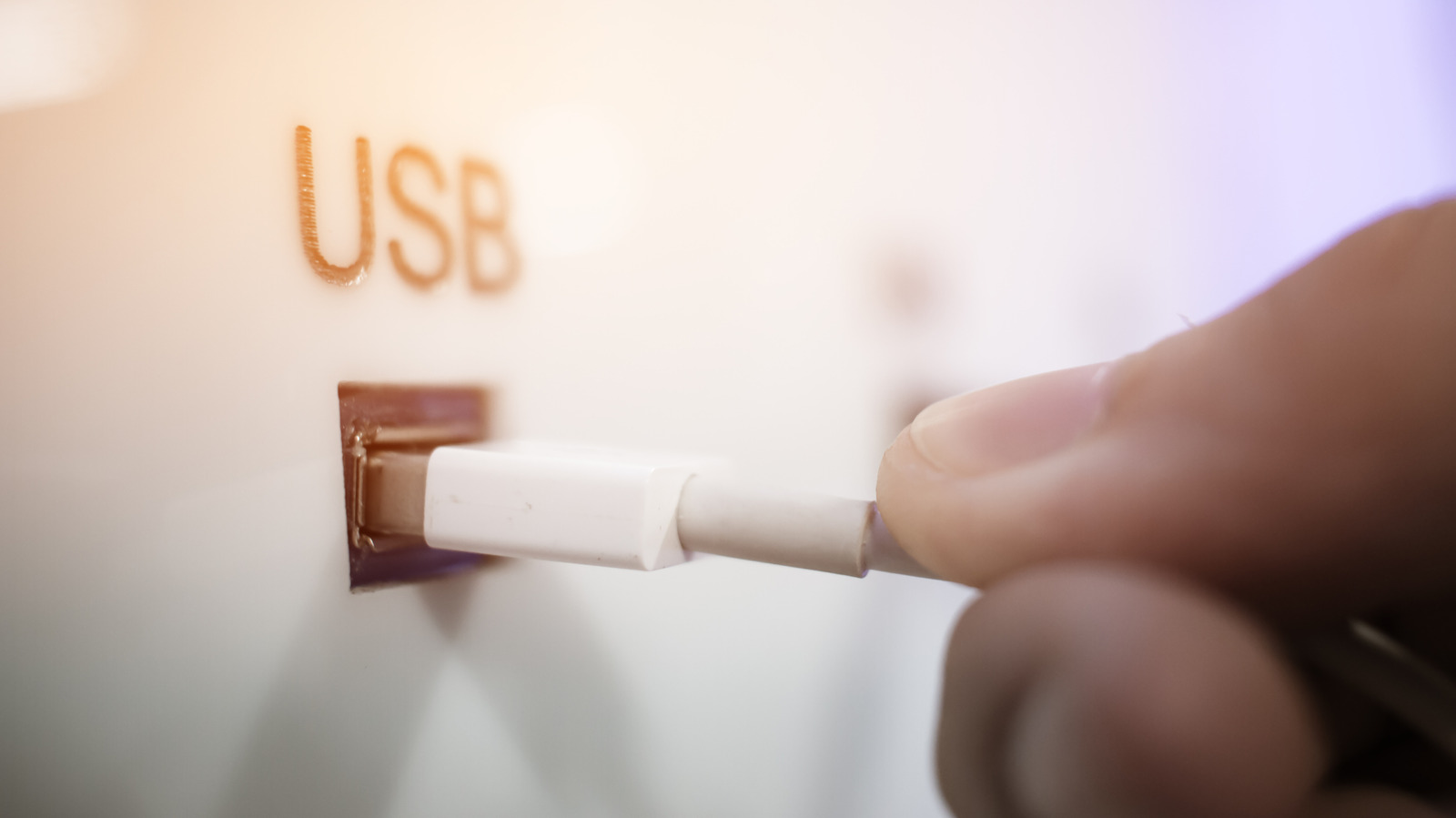
If you want zero risk, it's best to not use public USB chargers at all, as the TSA indicated. Carrying a rechargeable USB battery pack, or using your own power brick and cable with a standard wall socket, are both safer options. Where available, using "Secure" charge points that block data transfer entirely can also work.
When you do have to use public USB ports, you can greatly reduce the risk with inexpensive USB data blockers, like those from JSAUX. These small dongles block data transfers but permit energy passthrough, enabling safer use of unknown USB connections. The drawback is that USB-A blockers prevent fast charging standards because chargers use the data connection to manage high voltage electrical flow. Your device will still get charged, but it will take longer. This isn't an issue with modern USB-C blockers.
As always when traveling (and when at home), standard security advice remains the same: avoid using public Wi-Fi for sensitive information, install the latest software updates and enable multi-factor authentication (MFA) for important accounts. If you must use a public USB charging point, decline any trust prompt and consider a data blocker for added protection.