
 Neuralink receives FDA approval for 'pivotal' brain implant trial in ALS patients
 New York state bans AI chatbot toys for kids
 We reviewed these 10 gadgets, and they're now on sale for Black Friday
 GTA 6 has weird purple streetlights because actual Florida screwed up its streetlights
 Warhammer Survivors update buffs XP and weapons, nerfs those damn Beasts of Nurgle
 Can you play GTA 6 from an external hard drive on PS5 or Xbox Series X/S?
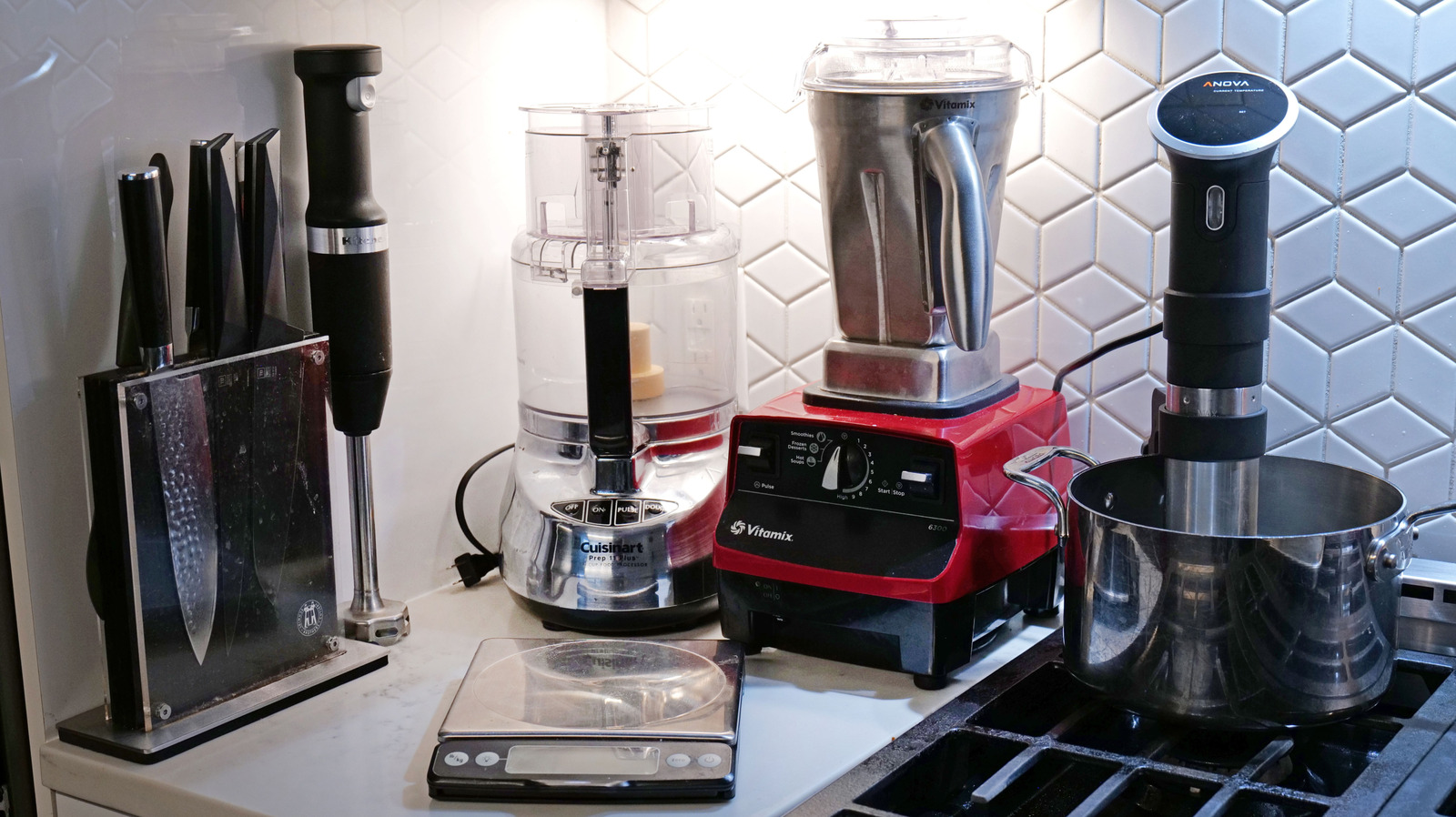 7 gadgets that'll instantly upgrade your Thanksgiving feast
 Capcom's quirky dinosaur-fighting hero shooter is shutting down in 2027
 Trump admin didn't investigate Jensen Huang before pushing Nvidia to bring him back: 'What does that mean, had Huang been investigated? For what?'
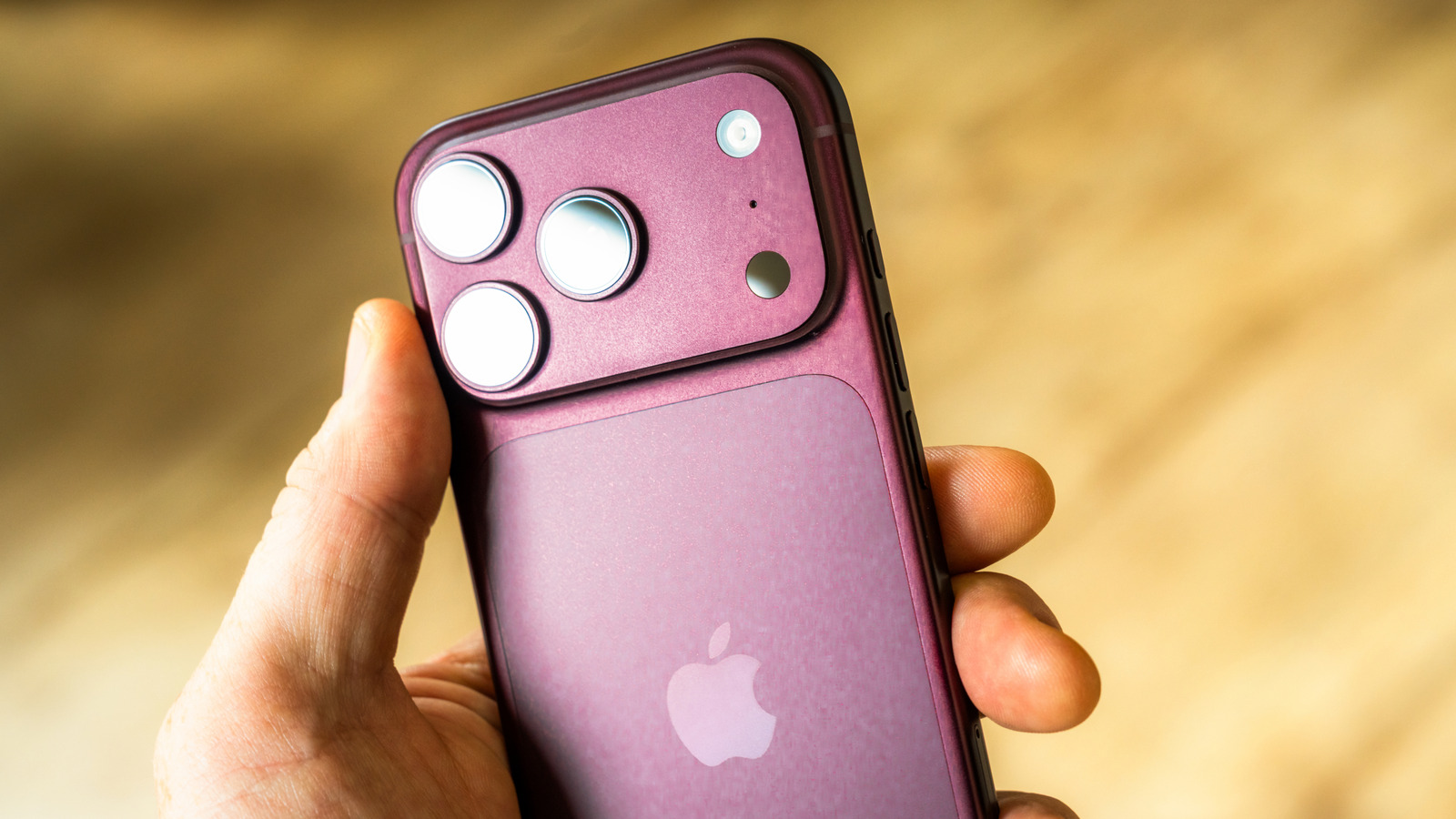
Despite the 1991 Telephone Consumer Protection Act, telemarketers, spam and robocalls are something we all deal with on a regular basis. According to the Federal Trade Commission, there were more than 2.6 million Do Not Call complaints in fiscal year 2025. Some callers are more persistent than others, and even if you block one number, they'll call back from another slightly different number. But it's worth the effort to block them all. Find the number you just rejected in Recents, tap it (or the Info button in Classic view), scroll to the bottom of the screen, select Block Caller and confirm.
You can use a broader setting to screen unknown callers as well. Go to Settings > Apps > Phone > Screen Unknown Callers (iOS 26 and later). From here, you can select Never, Ask Reason for Calling or Silence. Consider the middle option, just in case the unknown number is someone you know and the call is important.
But if you choose Silence, every unknown call will go straight to voicemail without ringing. Just remember that life comes at you fast, and that unknown number may be someone you recently met or someone who lost their phone and really needs to contact you. Convenience always comes with a caveat or two.