
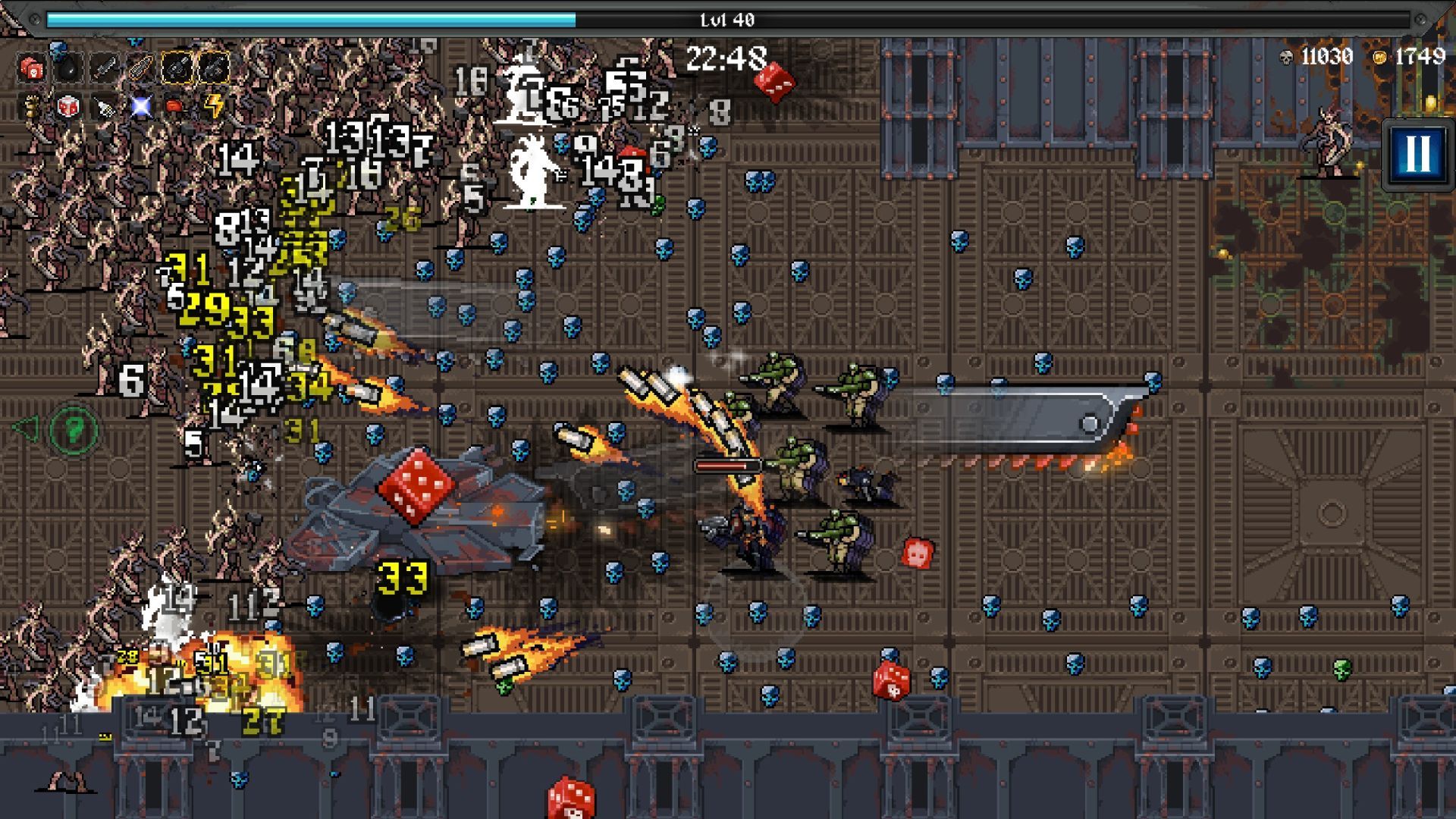
 Warhammer Survivors update buffs XP and weapons, nerfs those damn Beasts of Nurgle
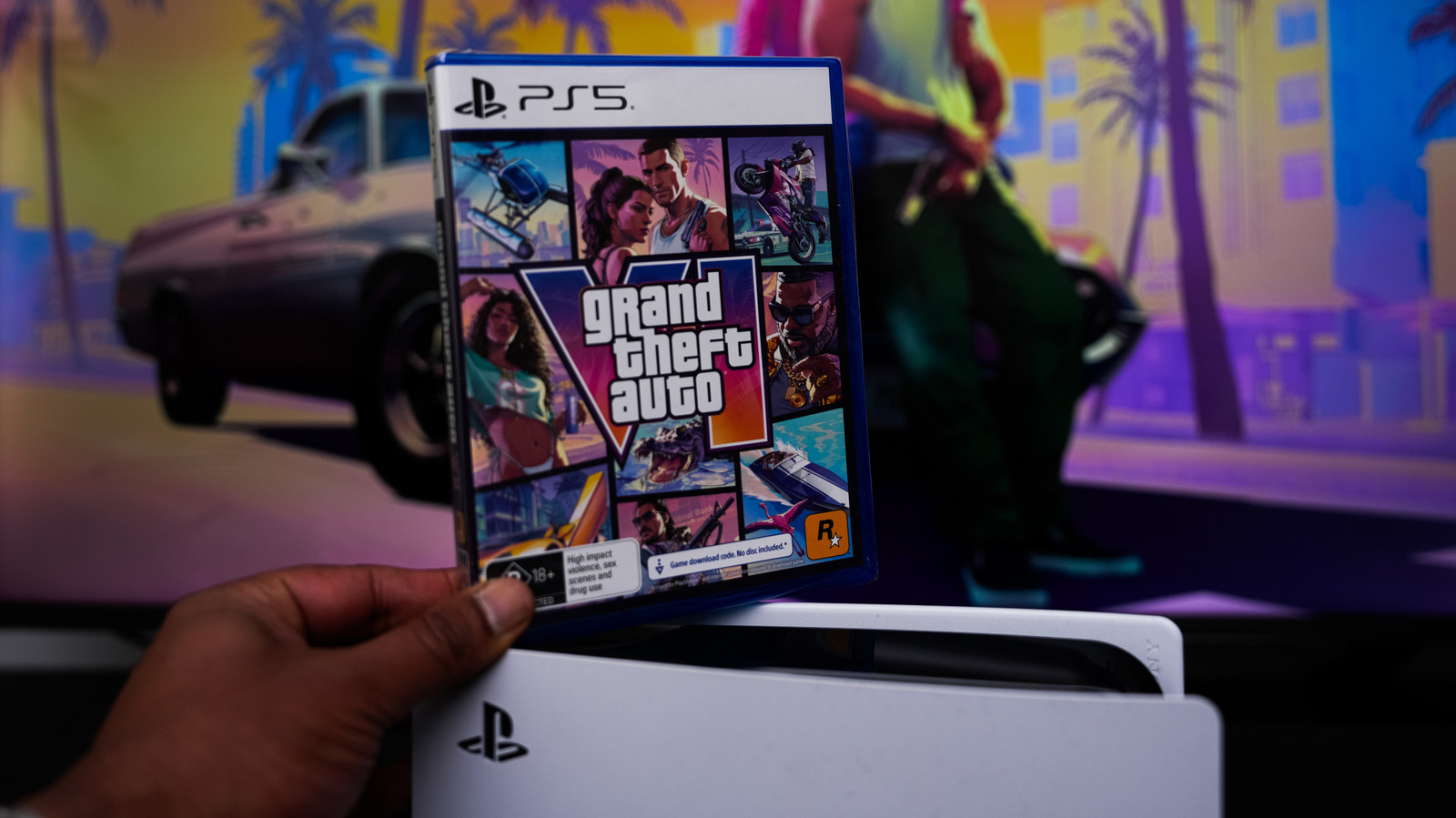 Can you play GTA 6 from an external hard drive on PS5 or Xbox Series X/S?
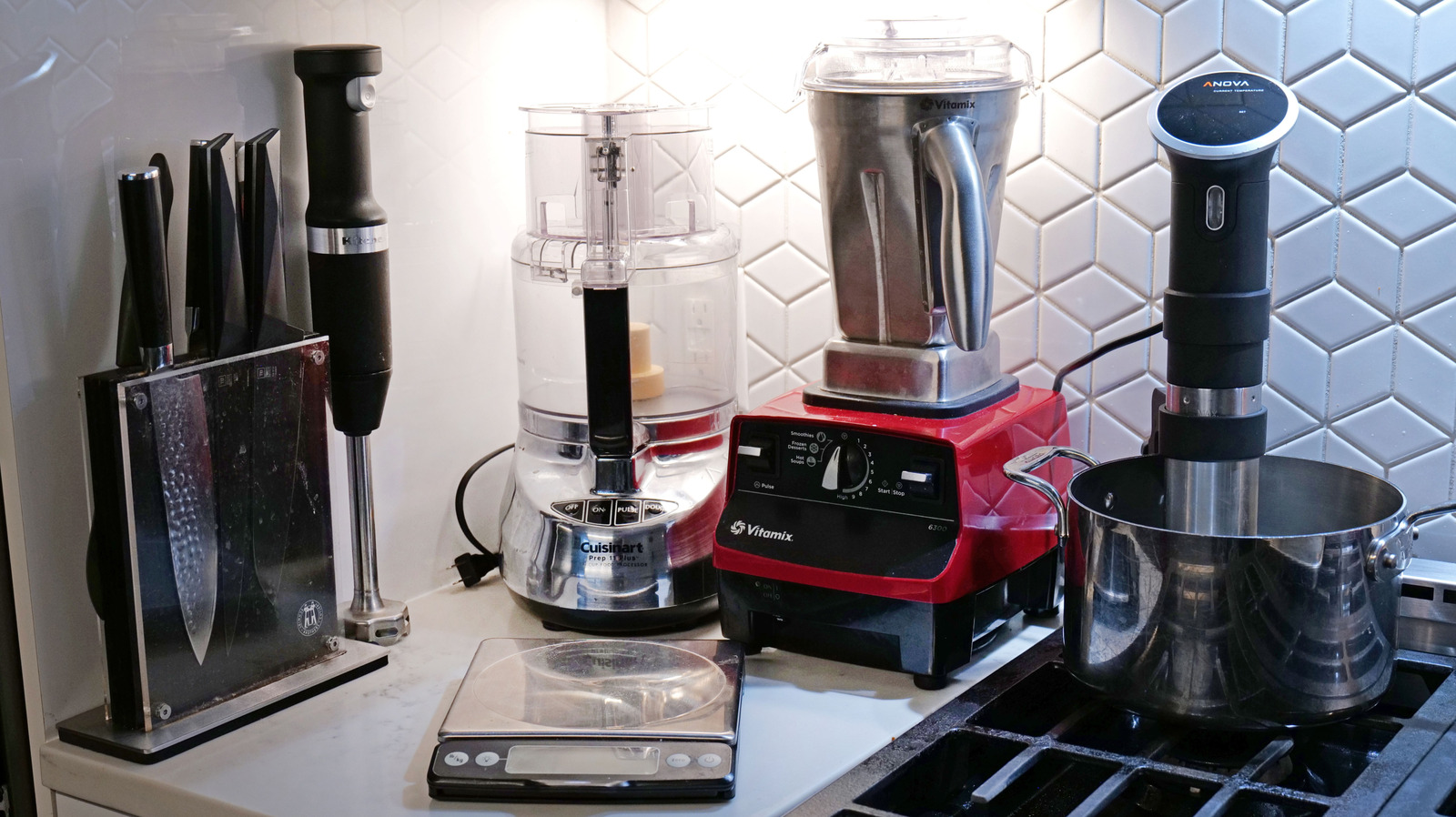 7 gadgets that'll instantly upgrade your Thanksgiving feast
 Capcom's quirky dinosaur-fighting hero shooter is shutting down in 2027
 Trump admin didn't investigate Jensen Huang before pushing Nvidia to bring him back: 'What does that mean, had Huang been investigated? For what?'
 GTA 6 vault: How to open them during big bank jobs
 Deceased BBC football commentator resurrected with AI for EA Sports FC: The family says it's a 'touching tribute' but some fans call it 'gross' and 'bleak'
 State AGs are trying to stop Character.AI from auctioning off users' chat histories
 As the US Treasury suffers a cybersecurity breach, its chief tech guy is vibecoding a Civilization clone
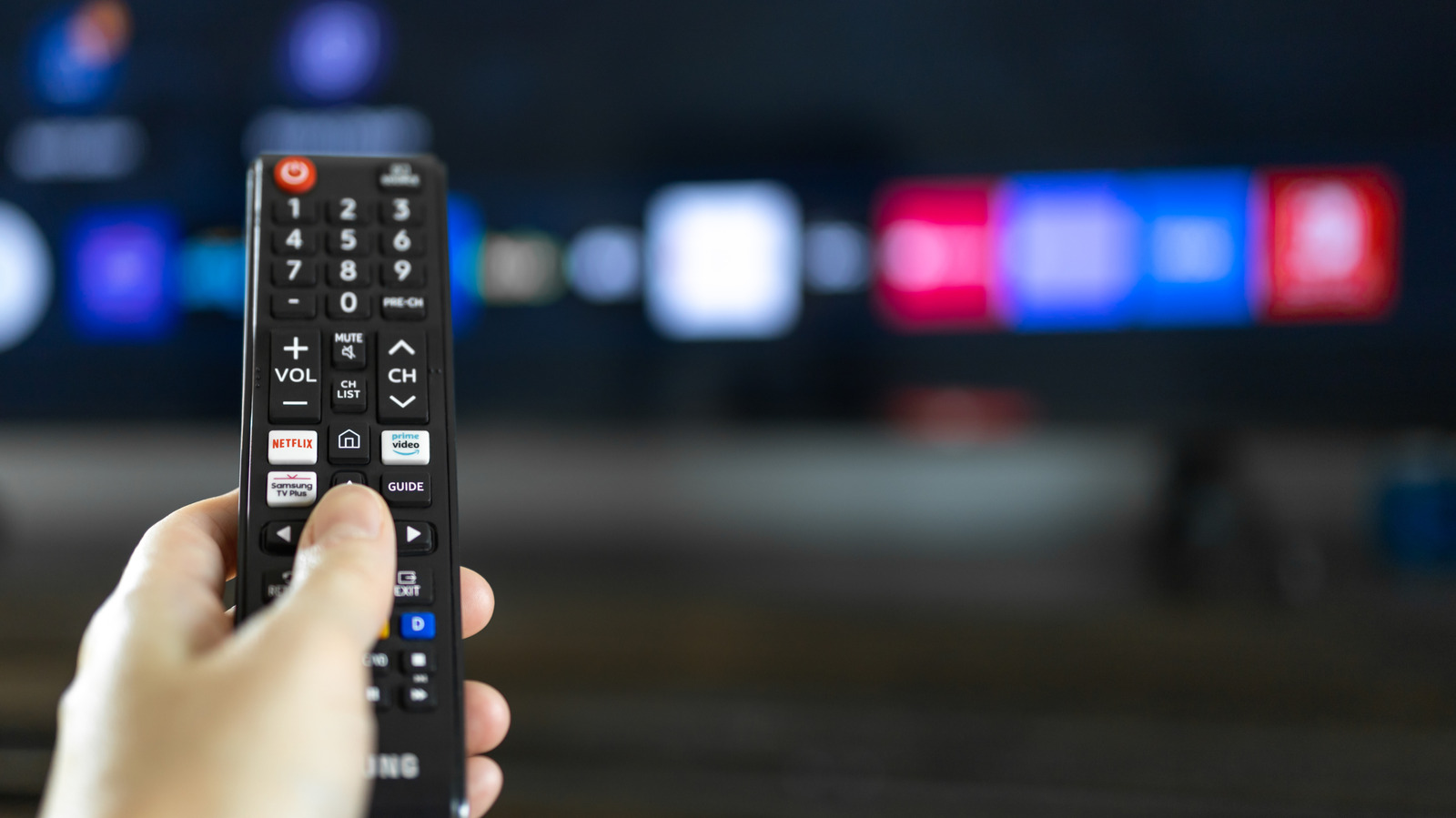
To add new apps, first pull up the TV's home screen. Use your remote to select the search bar at the top of the screen and type in the name of the app you want to download. If you search for something that doesn't show up, it may not be available in your region or might not be supported by Samsung smart TVs at all — Samsung has even publicly banned some smart TV apps. Otherwise, you can just select the app's icon with your remote to install it. If you don't have a specific app in mind but want to see what options are available, you can also find a selection of what's available, sorted by category, in your TV's apps menu.
Once an app is finished installing, a button to add it to the home screen should appear. If you've already navigated away and want to pin an app later, you can still find everything you have in the apps menu on the home screen. Just press and hold on the one you want to pin to the home screen, and the option to add to home will appear.
You can also rearrange apps once they're on the home screen to sort them in whatever order works best for you. On the home screen, use the remote to select whichever app you want to move, and press and hold the select button to open a menu. For older TV models, you might need to use a different command to open the menu, such as pressing the down key. Then select the move setting, and you can slide individual apps left and right. If you want to remove an app from the home screen or delete it entirely, you can do so from this same menu.