
 We reviewed these 10 gadgets, and they're now on sale for Black Friday
 GTA 6 has weird purple streetlights because actual Florida screwed up its streetlights
 Warhammer Survivors update buffs XP and weapons, nerfs those damn Beasts of Nurgle
 Can you play GTA 6 from an external hard drive on PS5 or Xbox Series X/S?
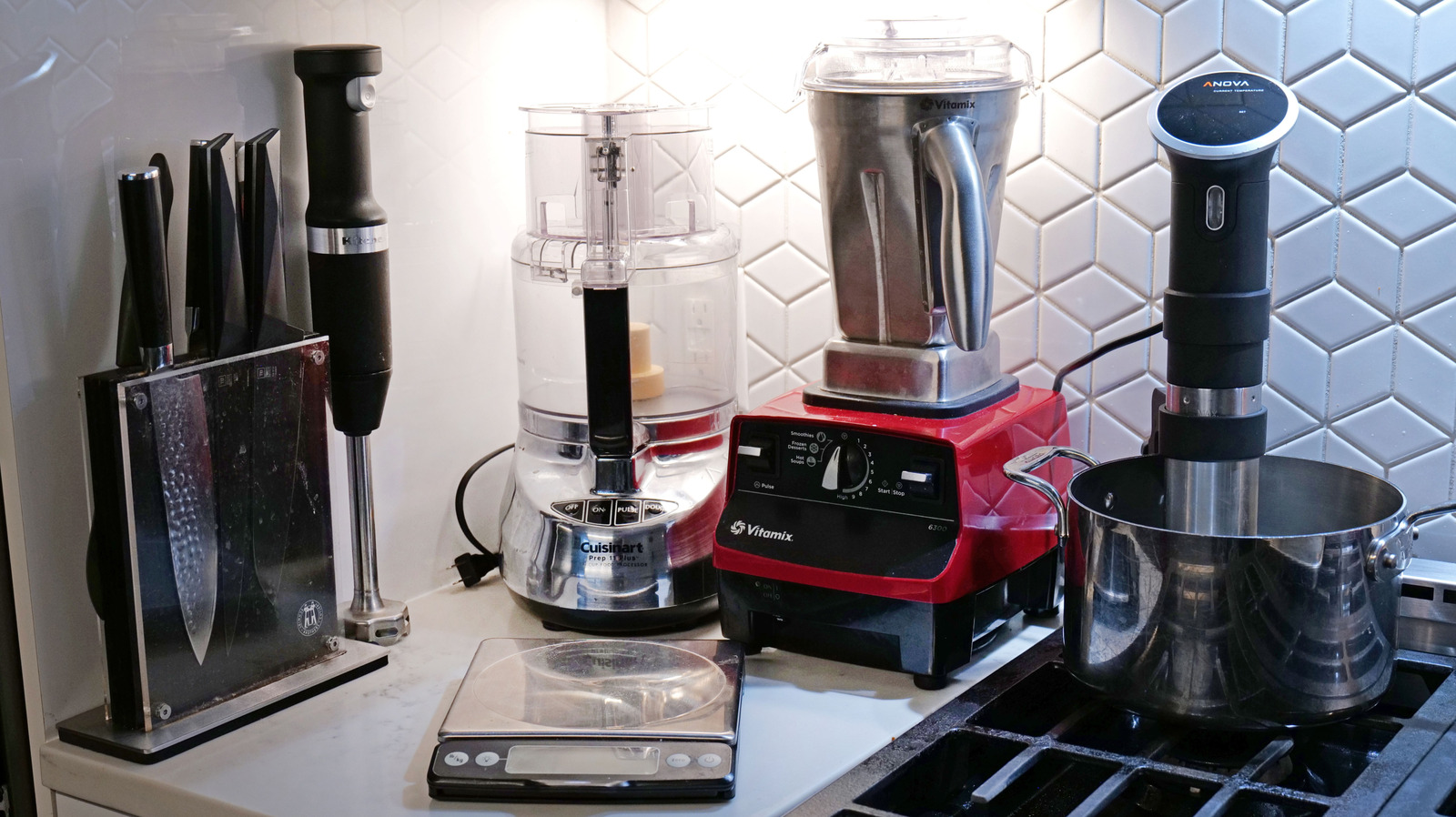 7 gadgets that'll instantly upgrade your Thanksgiving feast
 Capcom's quirky dinosaur-fighting hero shooter is shutting down in 2027
 Trump admin didn't investigate Jensen Huang before pushing Nvidia to bring him back: 'What does that mean, had Huang been investigated? For what?'
 GTA 6 vault: How to open them during big bank jobs
 Deceased BBC football commentator resurrected with AI for EA Sports FC: The family says it's a 'touching tribute' but some fans call it 'gross' and 'bleak'
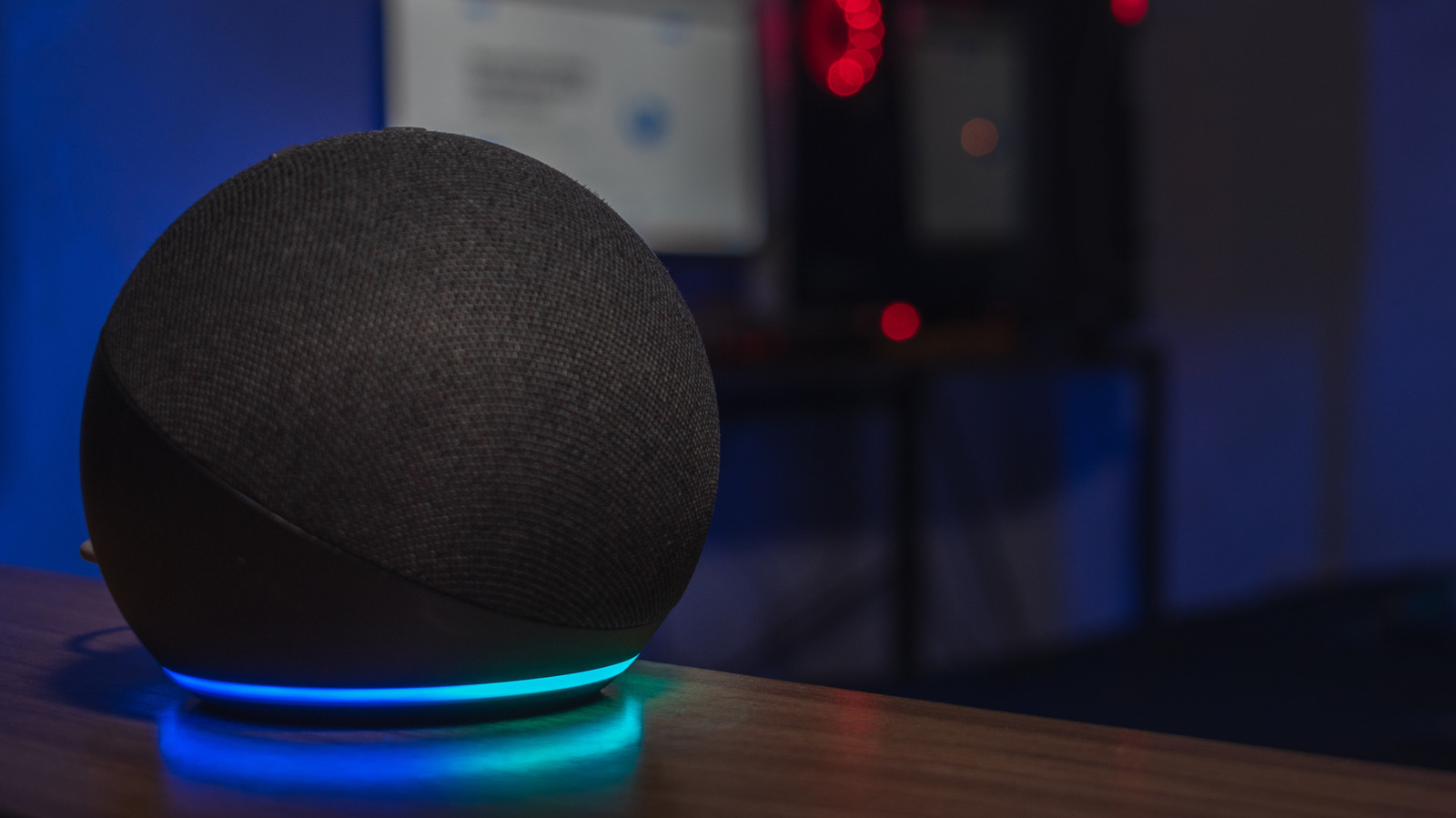
If you have a compatible Echo that's connected to hardware using a 3.5mm audio cable, open the Alexa app, select the speaker under Devices, and find AUX Audio in its settings, then choose Line In to play audio from an external source through the Echo. On models that support both directions, Line Out instead sends the Echo's audio to a wired speaker or receiver. Depending on the app version, the setting may be listed under General.
After connecting the devices, use the source device's own controls to start playback or skip tracks. Alexa's discontinued voice commands managed the Echo's AUX input, not the connected equipment's playback functions.
Ultimately, you don't need to replace your Echo simply to keep using its AUX port, if one is present. Just keep in mind that upgrading Echo devices with a 3.5mm input will likely mean losing the feature. An example of this loss would be upgrading from a first-generation Echo Studio to the redesigned 2025 Echo Studio.
