If Chrome feels slow, don't just look at the memory number. Open the browser's Task Manager and look for a tab or extension that keeps growing. If nothing does, Chrome is using your RAM the way it's meant to, and you can leave it alone. If things still feel sluggish, the cause may be somewhere else entirely, such as a nearly full drive or a slow connection, and restarting the browser is a good first step.
Latest News
 Neuralink receives FDA approval for 'pivotal' brain implant trial in ALS patients
 New York state bans AI chatbot toys for kids
 We reviewed these 10 gadgets, and they're now on sale for Black Friday
 GTA 6 has weird purple streetlights because actual Florida screwed up its streetlights
 Warhammer Survivors update buffs XP and weapons, nerfs those damn Beasts of Nurgle
 Can you play GTA 6 from an external hard drive on PS5 or Xbox Series X/S?
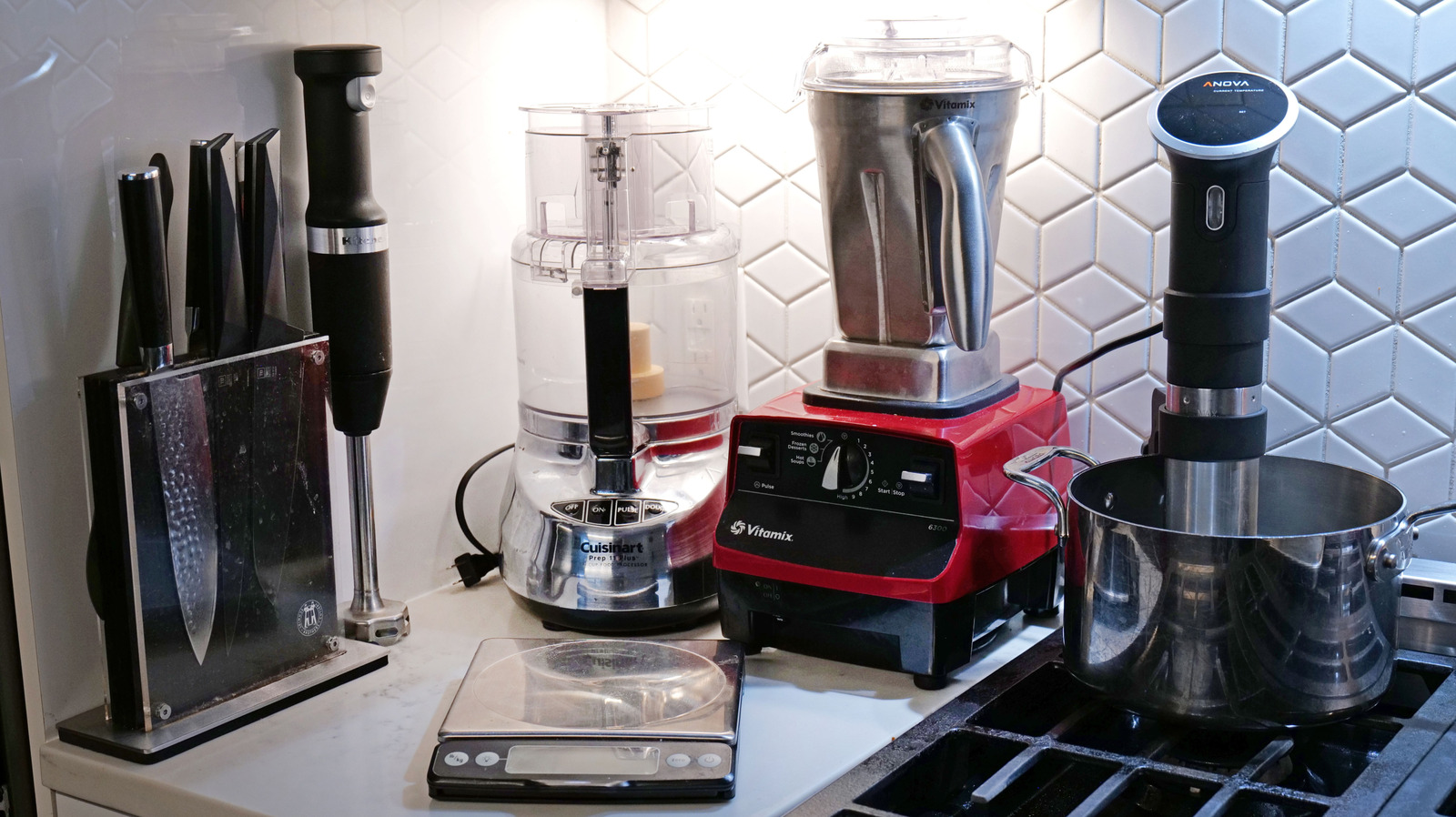 7 gadgets that'll instantly upgrade your Thanksgiving feast
 Capcom's quirky dinosaur-fighting hero shooter is shutting down in 2027
 Trump admin didn't investigate Jensen Huang before pushing Nvidia to bring him back: 'What does that mean, had Huang been investigated? For what?'
Why Google chrome is always using so much RAM
Master of News · World desk · 25 Oct 2026