Trump admin didn't investigate Jensen Huang before pushing Nvidia to bring him back: 'What does that mean, had Huang been investigated? For what?'
 GTA 6 vault: How to open them during big bank jobs
 Deceased BBC football commentator resurrected with AI for EA Sports FC: The family says it's a 'touching tribute' but some fans call it 'gross' and 'bleak'
 State AGs are trying to stop Character.AI from auctioning off users' chat histories
 As the US Treasury suffers a cybersecurity breach, its chief tech guy is vibecoding a Civilization clone
 AI kills another coding competition: 'I was not at all interested in giving awards to the output of large language models'
 How to steal the Pegassi Infernus in GTA 6
 How to steal an ATM and get a winched vehicle in GTA 6
 Even Max Verstappen has succumbed to GTA 6 fever, squeezing in 40 hours around his Las Vegas Grand Prix win
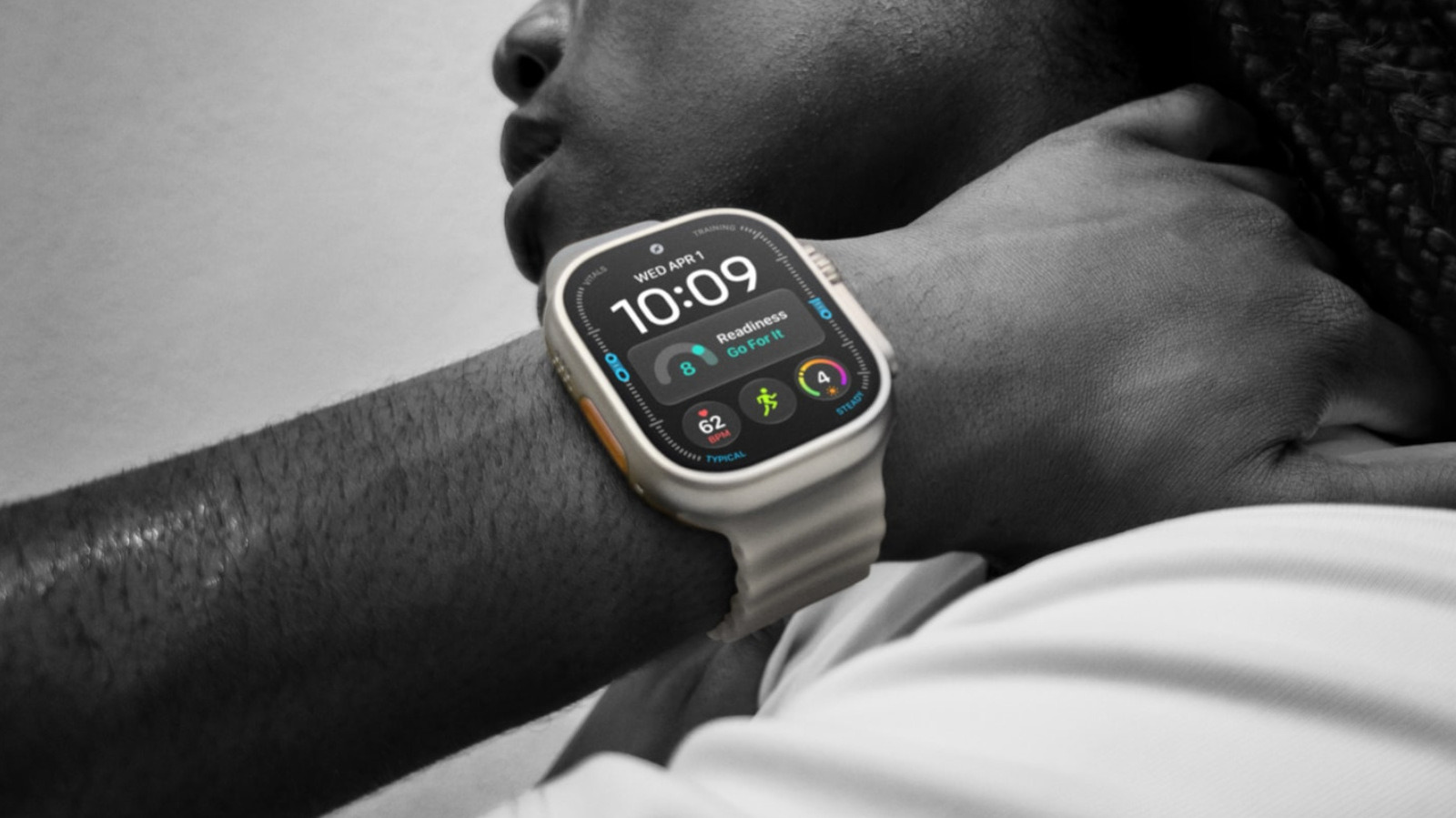
For some users, assigning the button to Accessibility might be unavoidable. This lets you trigger things like AssistiveTouch, VoiceOver and even control nearby devices. There may be a reason to use this if you're fully able-bodied, too, so check it out.
Arguably, though, the single most powerful action is Shortcut. This is configured like Accessibility, but lets you trigger any automation you've built in the iPhone's Shortcuts app. Given that these automations can stretch across multiple platforms and even control smart home accessories, there's virtually unlimited potential. A single tap might, for example, turn on your lights, adjust your thermostat and even start playing local news on your HomePod.
The Shortcuts app can be unwieldy at times. Thankfully, a big change in iOS 27 on iPhones with Apple Intelligence is the ability to build shortcuts simply by describing what you want them to do. This greatly simplifies the process, although it's important to double-check the results. You don't want an "I'm driving home" routine to accidentally send an ETA to your mother-in-law instead of your partner.