 GTA 6 has weird purple streetlights because actual Florida screwed up its streetlights
 Warhammer Survivors update buffs XP and weapons, nerfs those damn Beasts of Nurgle
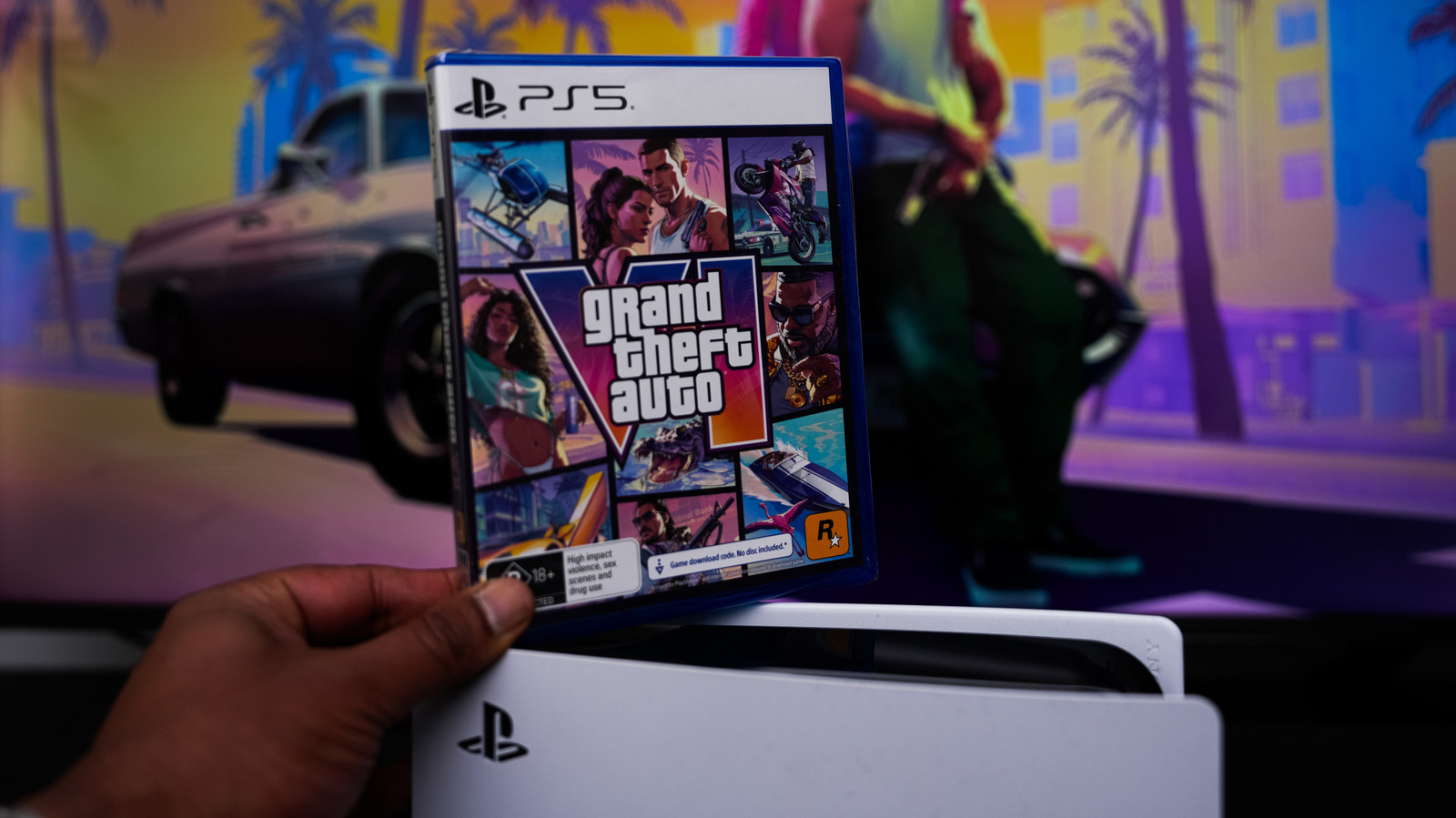 Can you play GTA 6 from an external hard drive on PS5 or Xbox Series X/S?
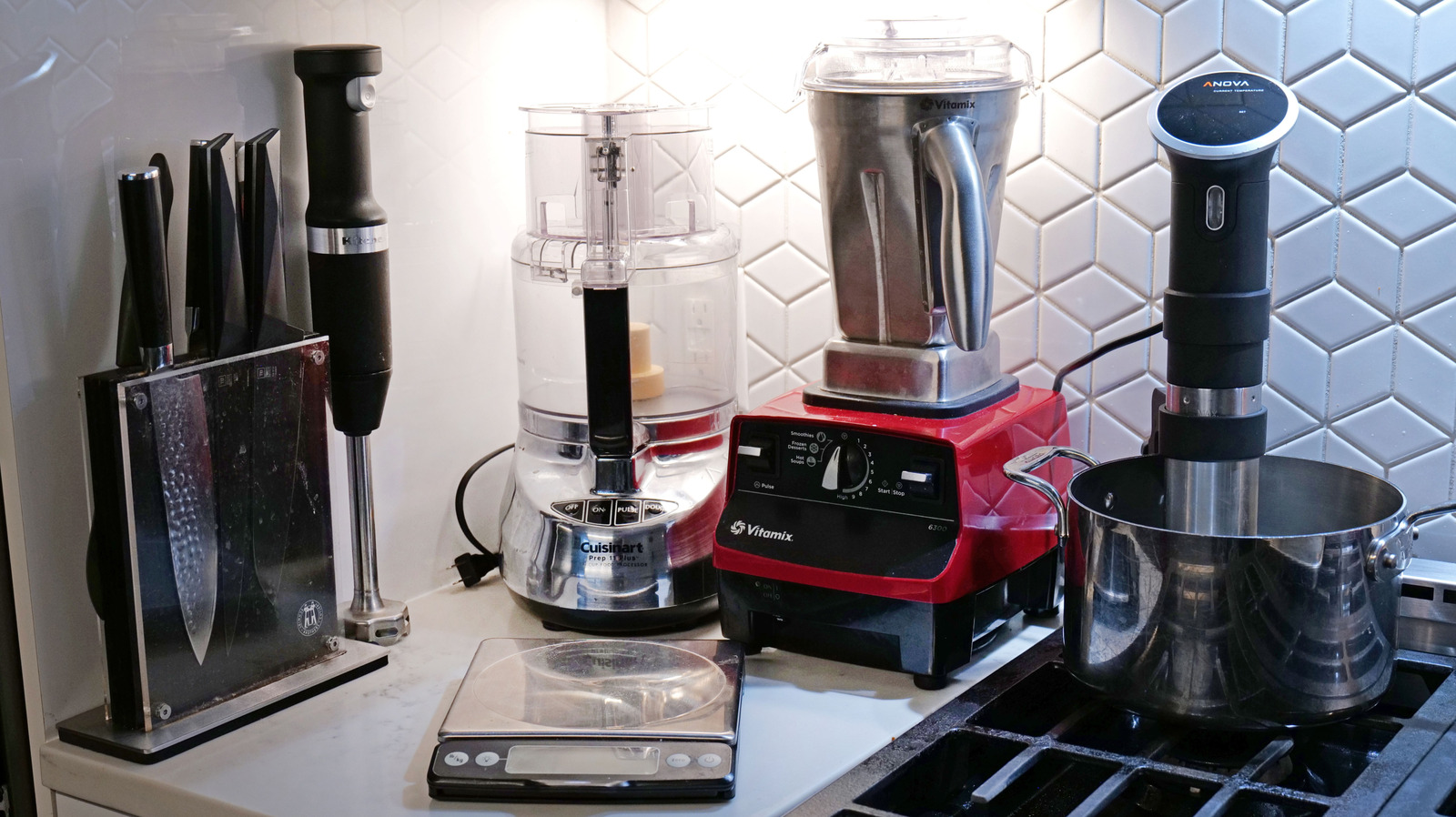 7 gadgets that'll instantly upgrade your Thanksgiving feast
 Capcom's quirky dinosaur-fighting hero shooter is shutting down in 2027
 Trump admin didn't investigate Jensen Huang before pushing Nvidia to bring him back: 'What does that mean, had Huang been investigated? For what?'
 GTA 6 vault: How to open them during big bank jobs
 Deceased BBC football commentator resurrected with AI for EA Sports FC: The family says it's a 'touching tribute' but some fans call it 'gross' and 'bleak'
 State AGs are trying to stop Character.AI from auctioning off users' chat histories
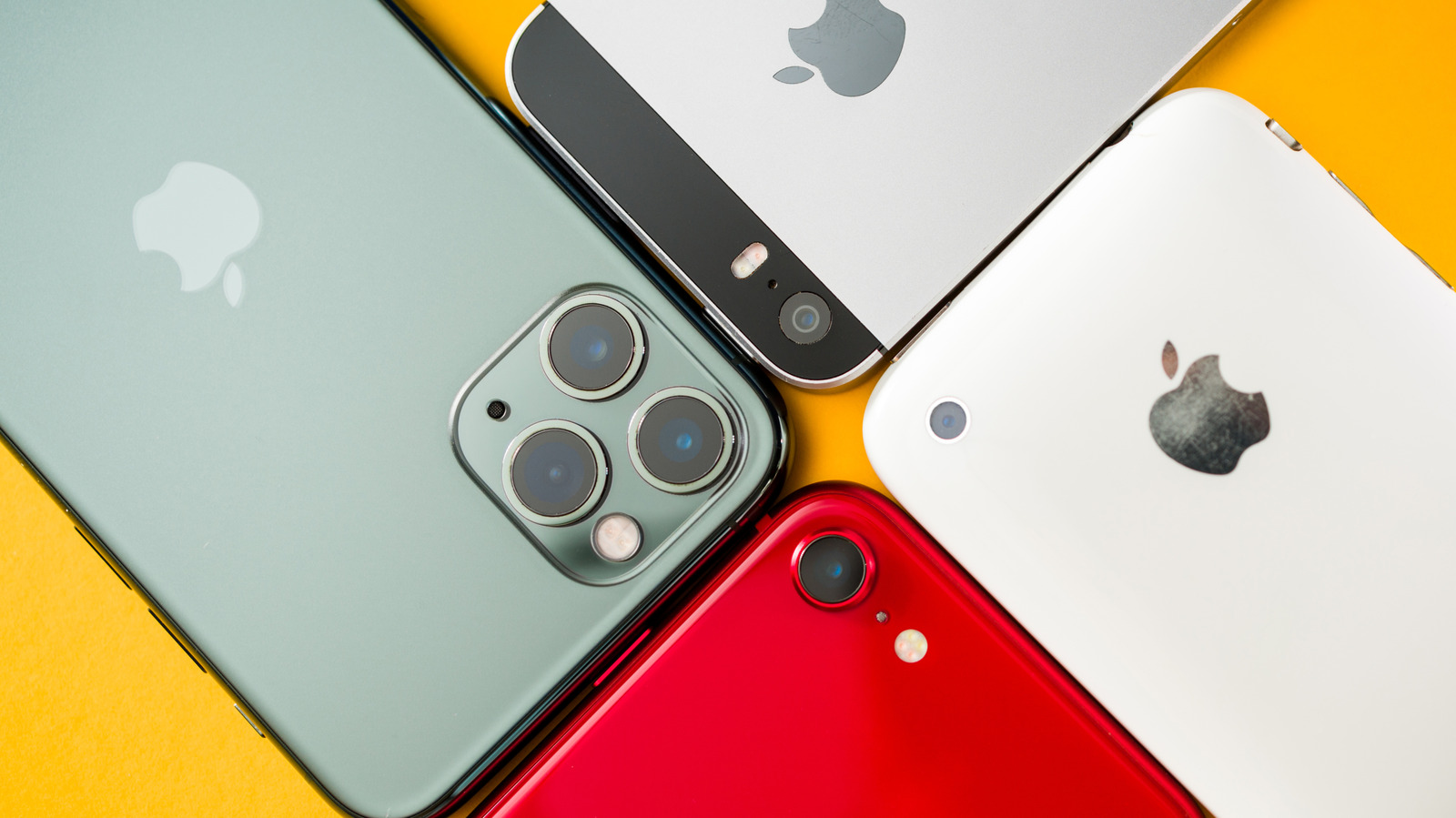
If nothing else has helped, a clean restore may be your last resort before buying a new phone. After using the same device for years, it tends to get cluttered with a lot of temporary files like updates, leftover files and app data. When you have years' worth of these files stored on your device, they can also cause your iPhone to run slower. In that case, restoring your iPhone may breathe new life into it.
First, fully back up your iPhone to iCloud, or to your Mac or PC. Once all your data is safely stored, go to the Settings app, then General, and choose Transfer or Reset iPhone. Select the Erase All Content and Settings option and walk through to confirm the steps — your phone will restart as if it were brand new. You can restore your backup as part of the setup process to get all your apps and settings back, but setting up the device as new may be more effective in improving performance.