GTA 6 vault: How to open them during big bank jobs
 Deceased BBC football commentator resurrected with AI for EA Sports FC: The family says it's a 'touching tribute' but some fans call it 'gross' and 'bleak'
 State AGs are trying to stop Character.AI from auctioning off users' chat histories
 As the US Treasury suffers a cybersecurity breach, its chief tech guy is vibecoding a Civilization clone
 AI kills another coding competition: 'I was not at all interested in giving awards to the output of large language models'
 How to steal the Pegassi Infernus in GTA 6
 How to steal an ATM and get a winched vehicle in GTA 6
 Even Max Verstappen has succumbed to GTA 6 fever, squeezing in 40 hours around his Las Vegas Grand Prix win
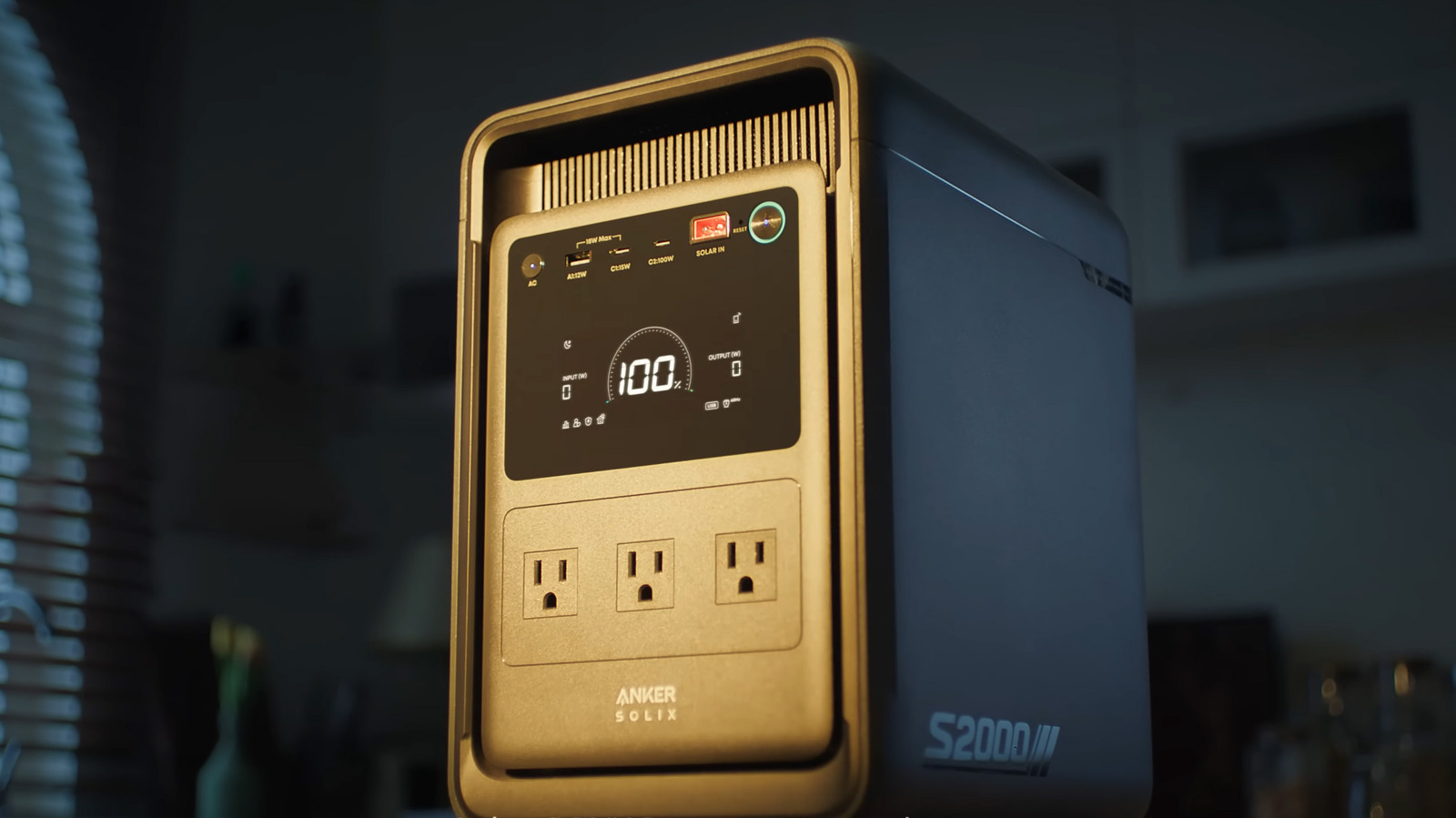 Five solar generators going for deep discounts on Black Friday
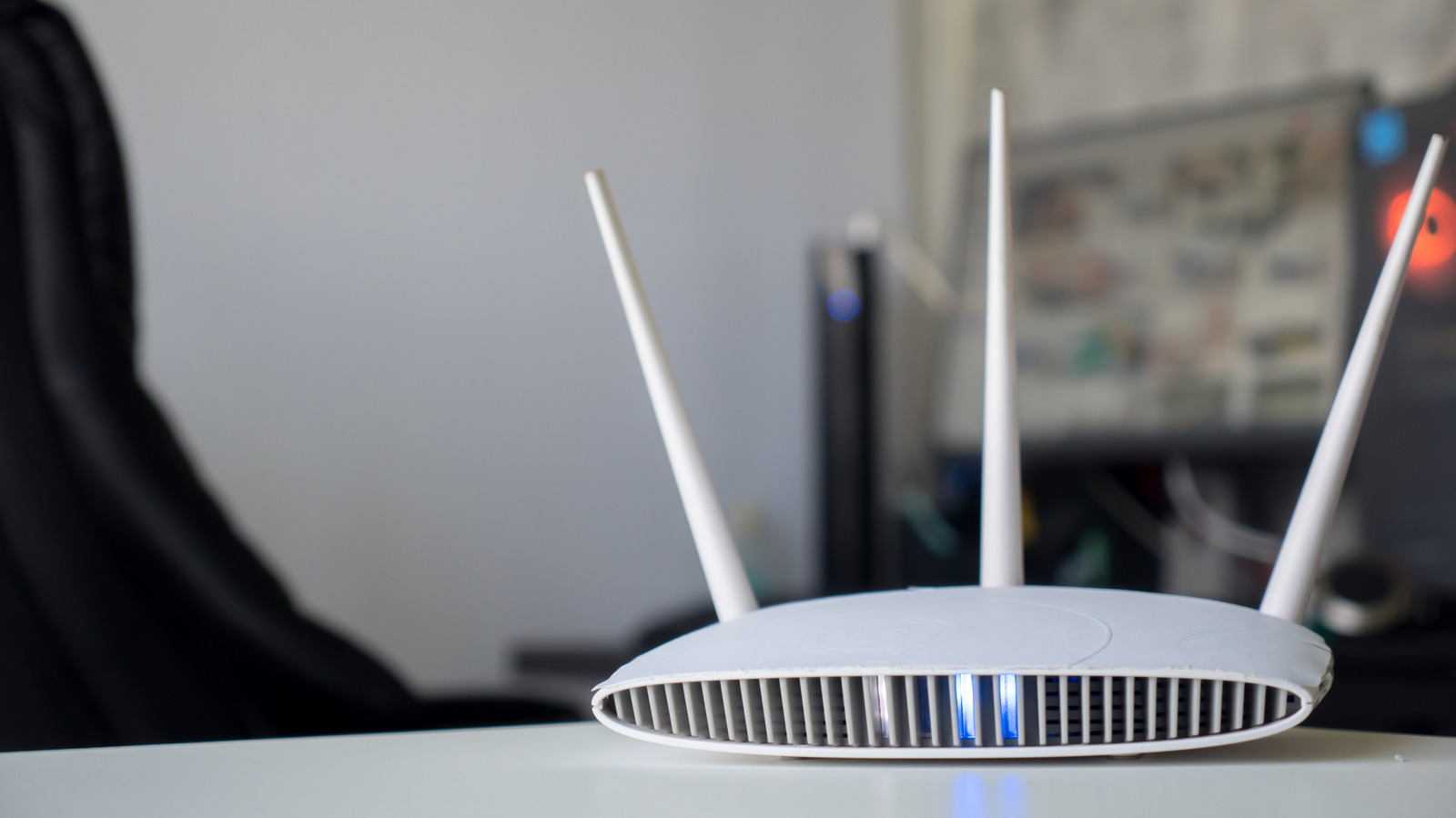
The lights on Netgear's Orbi Wi-Fi mesh system are minimalist compared to a typical router's, and represent key statuses slightly differently. There's a light in the bottom-front of the device, plus one at the back. The light in the front represents the connection status, while the one at the back is tied to the device's power and firmware.
The front LED lights
- Solid blue light: The connection between the router and satellite is strong.
- Solid amber light: The connection between the router and satellite is OK, but not great.
- Solid magenta light: There's no backhaul connection or no internet connection.
- No light: The Orbi is not receiving power.
The back LED light
- Solid green light: The router and satellite are powered on.
- Solid amber light: The device is rebooting.
- Pulsing amber light: The device is updating its firmware or resetting to factory settings.
- Pulsing red light: Possible hardware issues or connectivity failure.
- No light: The Orbi is not receiving power.