 GTA 6 has weird purple streetlights because actual Florida screwed up its streetlights
 Warhammer Survivors update buffs XP and weapons, nerfs those damn Beasts of Nurgle
 Can you play GTA 6 from an external hard drive on PS5 or Xbox Series X/S?
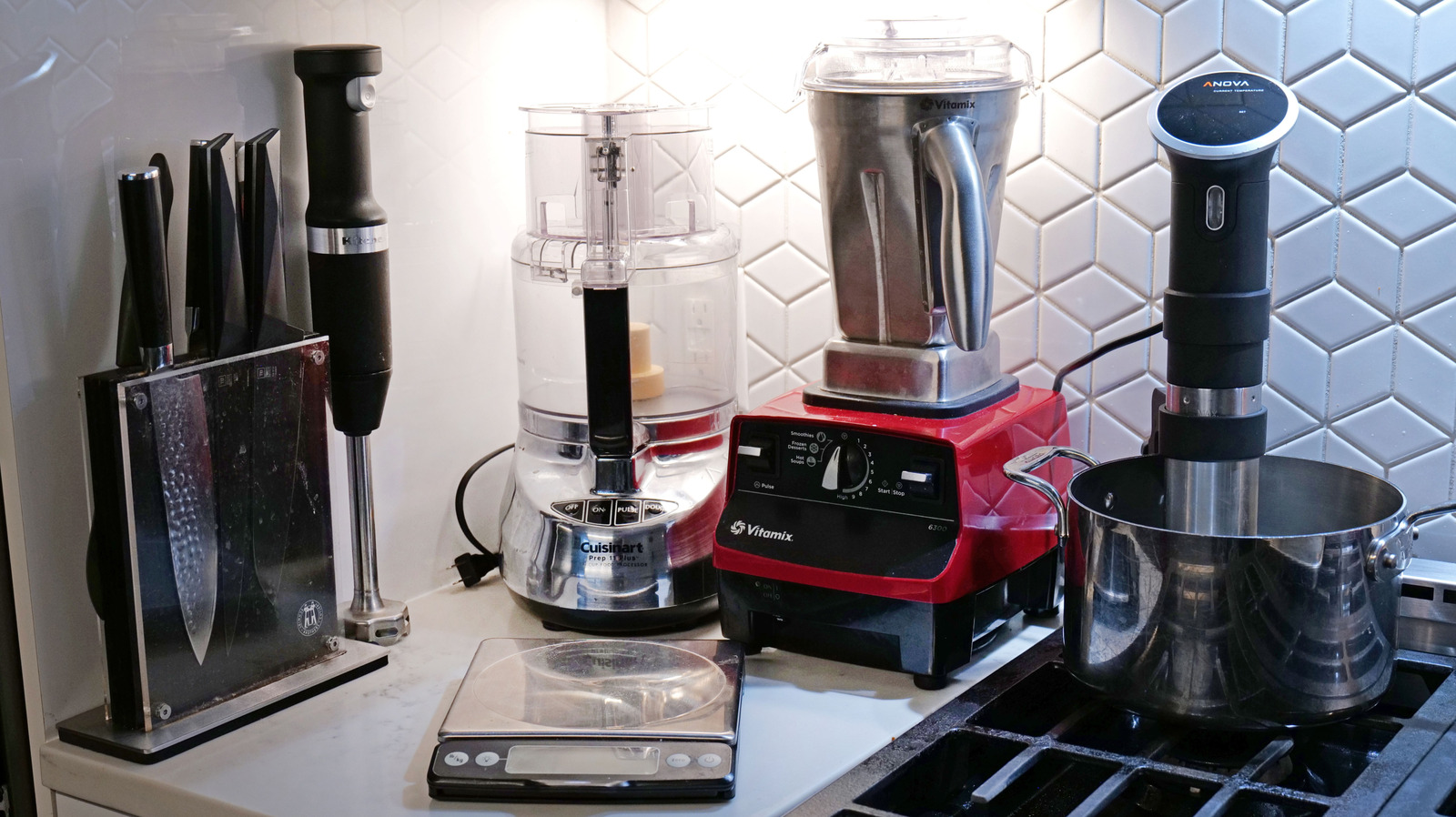 7 gadgets that'll instantly upgrade your Thanksgiving feast
 Capcom's quirky dinosaur-fighting hero shooter is shutting down in 2027
 Trump admin didn't investigate Jensen Huang before pushing Nvidia to bring him back: 'What does that mean, had Huang been investigated? For what?'
 GTA 6 vault: How to open them during big bank jobs
 Deceased BBC football commentator resurrected with AI for EA Sports FC: The family says it's a 'touching tribute' but some fans call it 'gross' and 'bleak'
 State AGs are trying to stop Character.AI from auctioning off users' chat histories
Turning attention to security, whether it's Chrome's Gemini Nano scam protection or its Safety Check review system, the browser is much more robust here than with privacy. First, head back to the three-dot menu > Settings > Privacy and security, where you can click on Go to Safety Check, which will scan for any security issues you might have and tell you how to resolve them. In addition to any immediate problems, it will let you know if you're reusing any passwords too much and if you need a Chrome update. Chrome's Safety Check will also constantly run in the background, keeping you alert to threats as they arise.
While you're in the Privacy and security zone, you should take a gander at the Safe Browsing section. There are three types of Safe Browsing, with the default Standard protection standing constant vigil against potentially dangerous websites, downloads and extensions. Here, you can turn on Enhanced protection to add an AI-powered layer of security to your searching, though it's fine to forgo if you're not fond of AI-charged zealotry. Right below that, you can also turn on Always use secure connections, which will grant an advance warning if a site doesn't support secure connections.